Back to changelog
A quieter company step
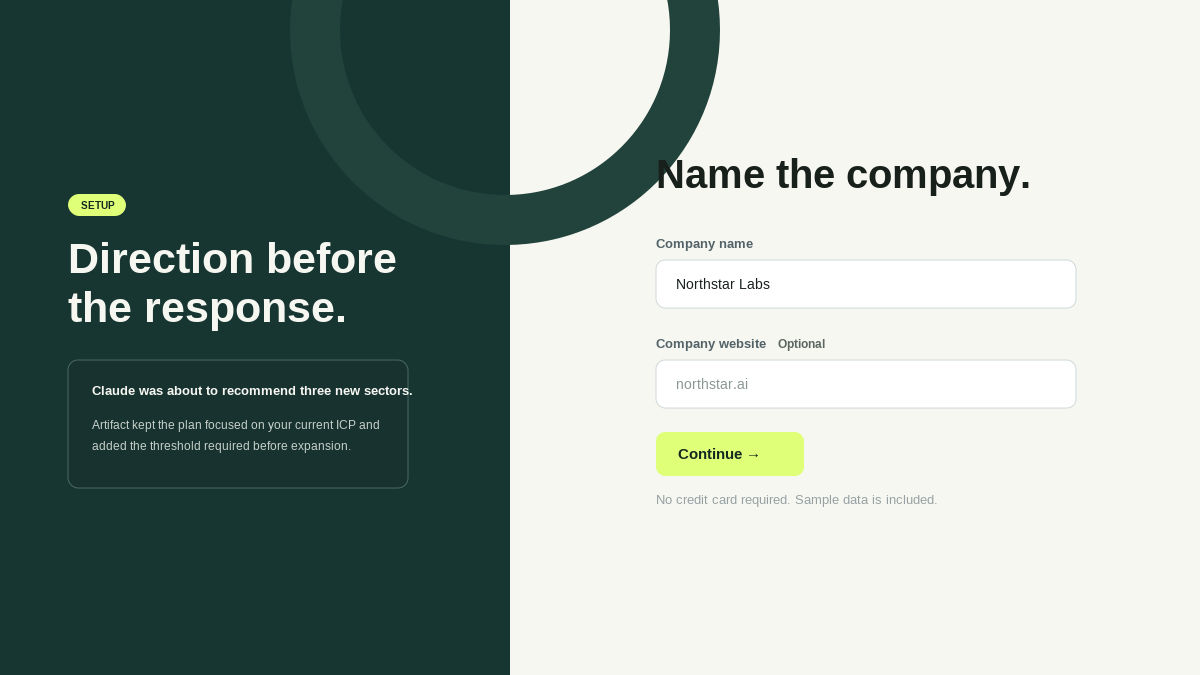
Naming a company during setup now asks once, with the website marked optional on its label.
How to use it
- 1
Start a workspace and stop on Name the company.
- 2
Enter a company name, leave the website blank or fill it, then continue.