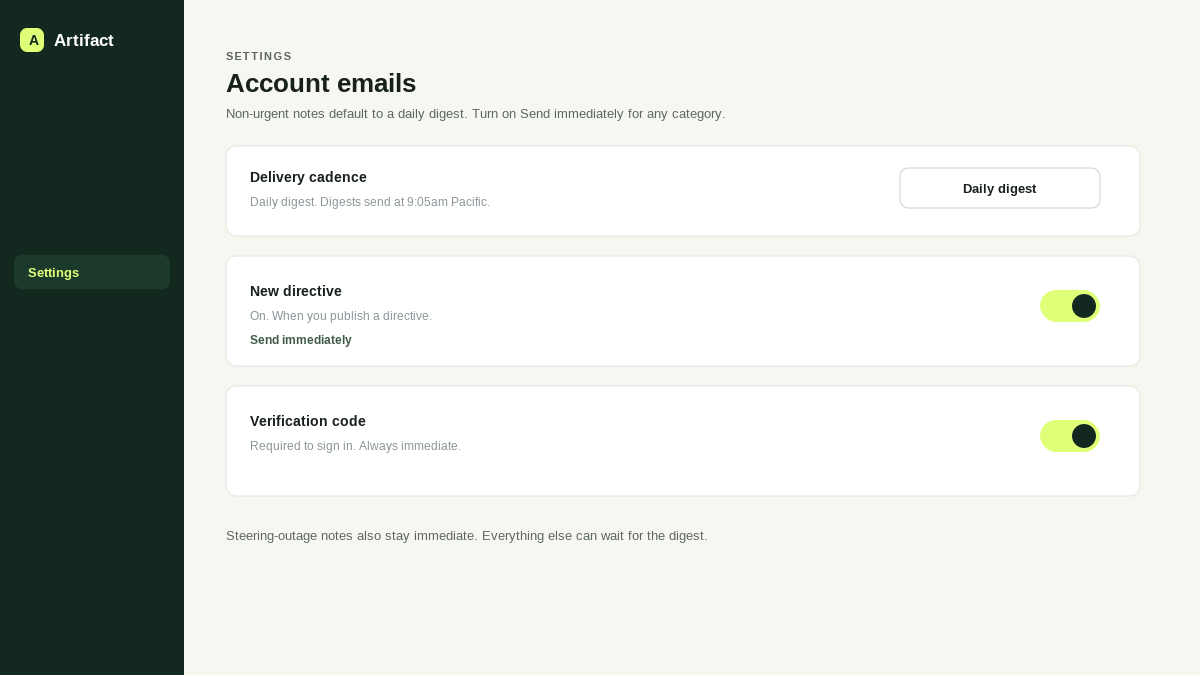
Non-urgent account emails now queue into a daily digest by default. Choose weekly or immediate cadence in Settings, and opt any category into Send immediately. Verification codes and steering-outage notes stay immediate.
How to use it
1
Open Settings → Account emails and confirm Delivery cadence is Daily digest (or switch to Weekly or Immediate).
2
For any category you want right away, choose Send immediately.
3
Leave the rest on the digest — Artifact sends the compiled note at 9:05am Pacific.