Back to changelog
Account emails now appear in the app
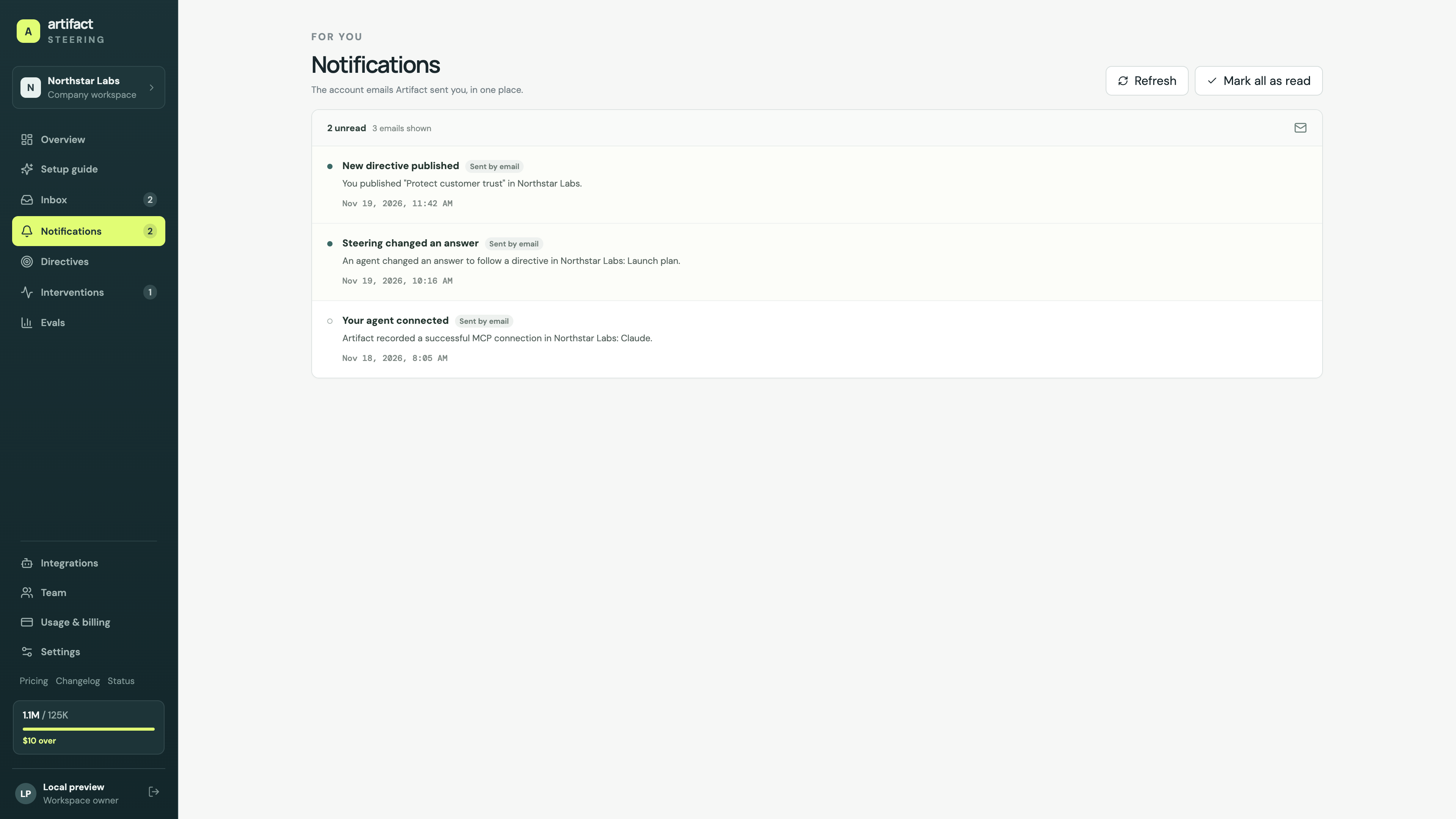
Notifications shows the same account notes Artifact sent by email, with unread counts that stay current.
How to use it
- 1
Open Notifications in the workspace navigation to see account emails Artifact sent you.
- 2
Choose Mark all as read to clear the unread count. Use Settings to change which optional account emails are sent.