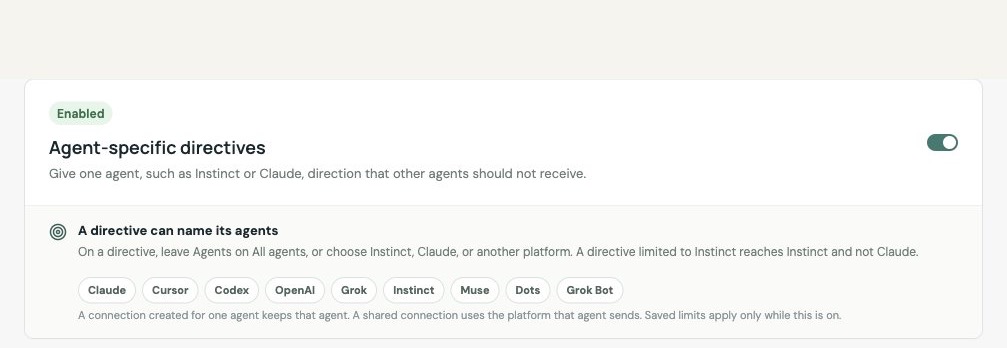
A workspace can limit a directive to Instinct, Claude, or another agent. The control stays off until an owner turns it on, and All agents remains the default.
How to use it
1
Open Settings and turn on Agent-specific directives.
2
Open Directives, leave Agents on All agents, or choose Instinct, Claude, or another agent.
3
Use a connection for that agent, or let the agent send its platform, so the limit applies on the next call.