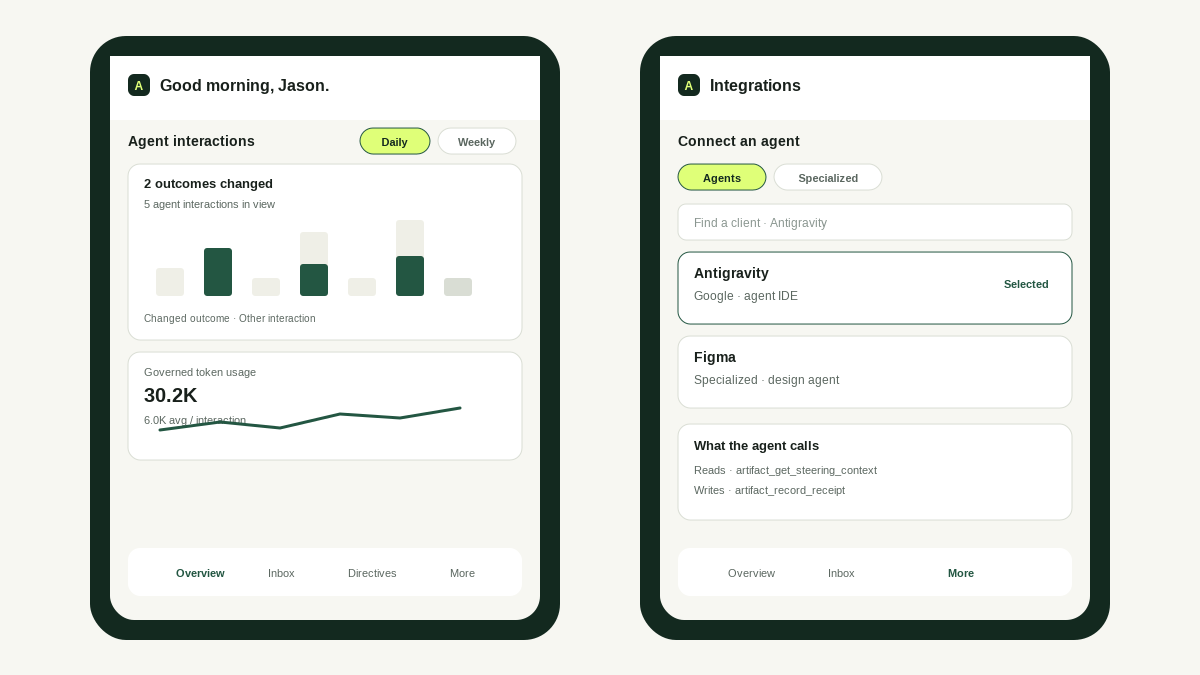
Artifact for Android 1.1.0 shows the same agent clients as the web app, Home trends for the selected period, and setup states that keep a connection, a tool call, and a recorded interaction separate.
How to use it
1
Open Overview and switch between Daily and Weekly. Token usage, response improvement, and latency describe that period. An empty period says no interactions are in view.
2
Open More, then Integrations. Find a client such as Antigravity or Figma, create a token, and copy its setup. Open What the agent calls for the Reads and Writes list.
3
Open More, then Settings, and move through Account, Steering, Billing, and Notifications. Billing shows usage and does not sell anything.