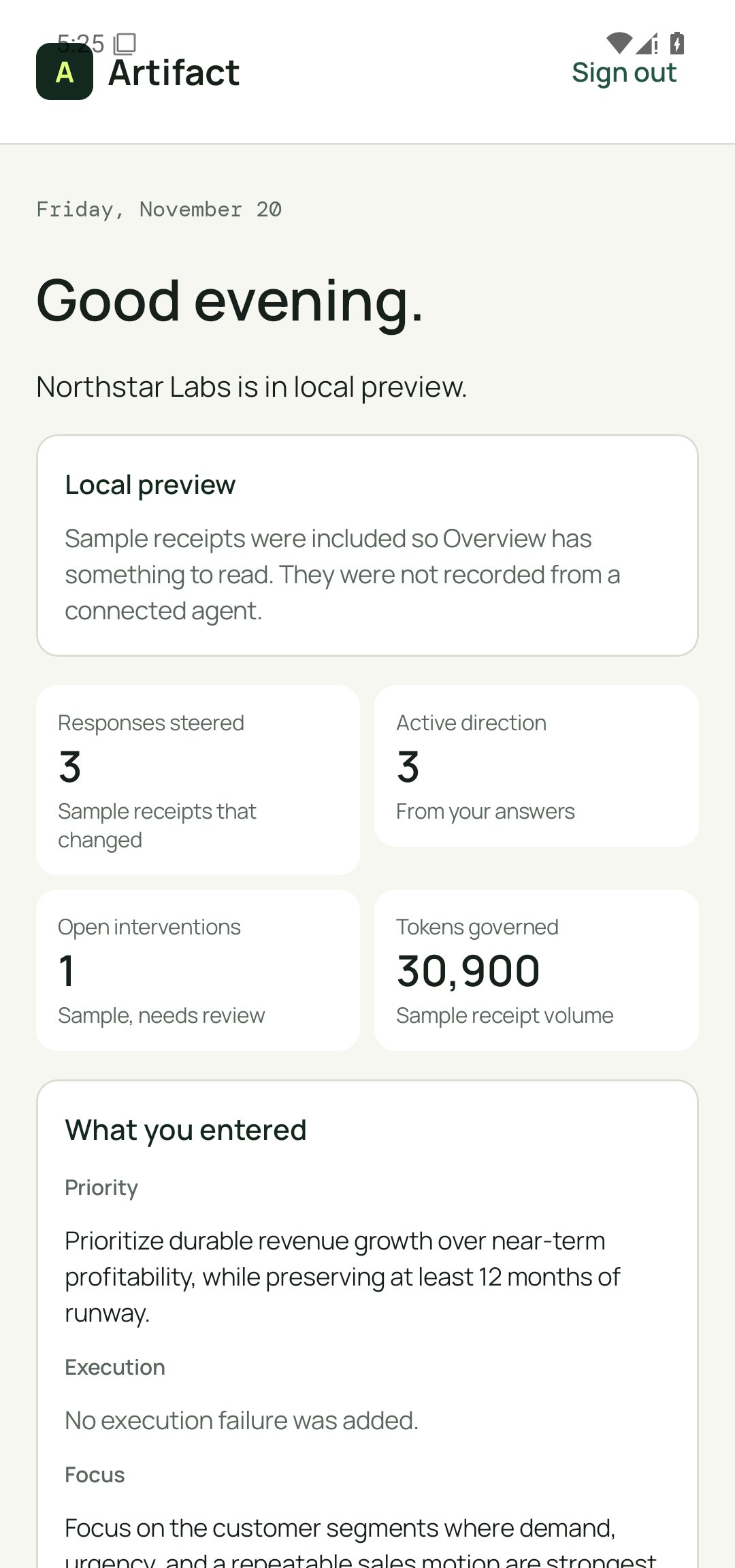
The Artifact Android app opens the same local preview as the web app, then shows Overview with the direction from your answers and sample receipts labeled as preview data.
How to use it
1
Install the Artifact Android app, open it, and choose Continue with local preview.
2
Enter a company name and a priority. On the execution question, choose Skip for now, then enter a focus and create the profile.
3
Choose Go to overview to read the direction from your answers and the sample intervention.