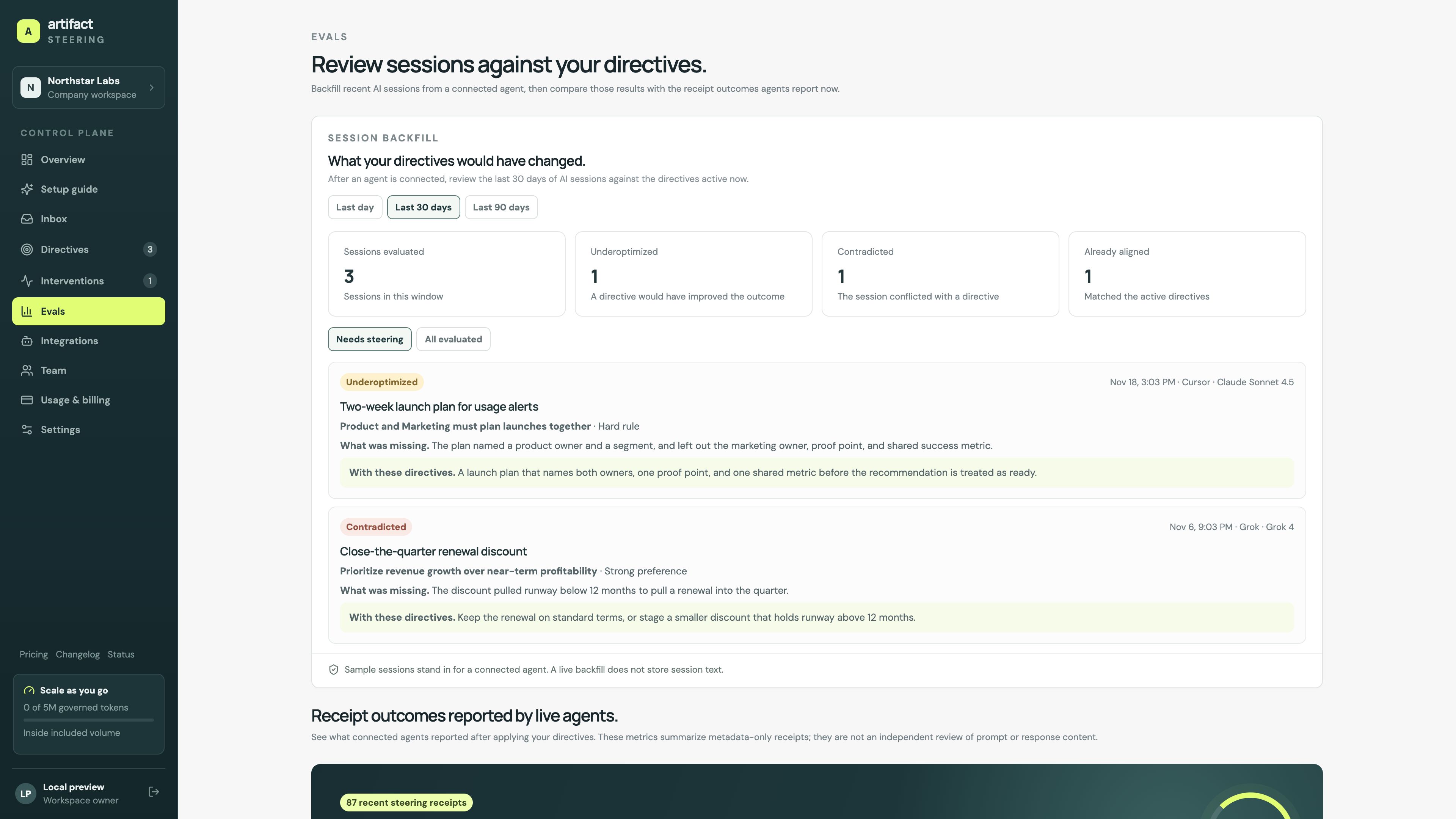
After you connect an agent, Artifact can review the last day, 30 days, or 90 days of its sessions and show what your current directives would have changed.
How to use it
1
Connect an agent in Integrations, then open Evals.
2
Choose Last day, Last 30 days, or Last 90 days, start the backfill, and send the prompt to that agent.
3
Review sessions marked underoptimized or contradicted, including the directive and the outcome it would have produced.