Back to changelog
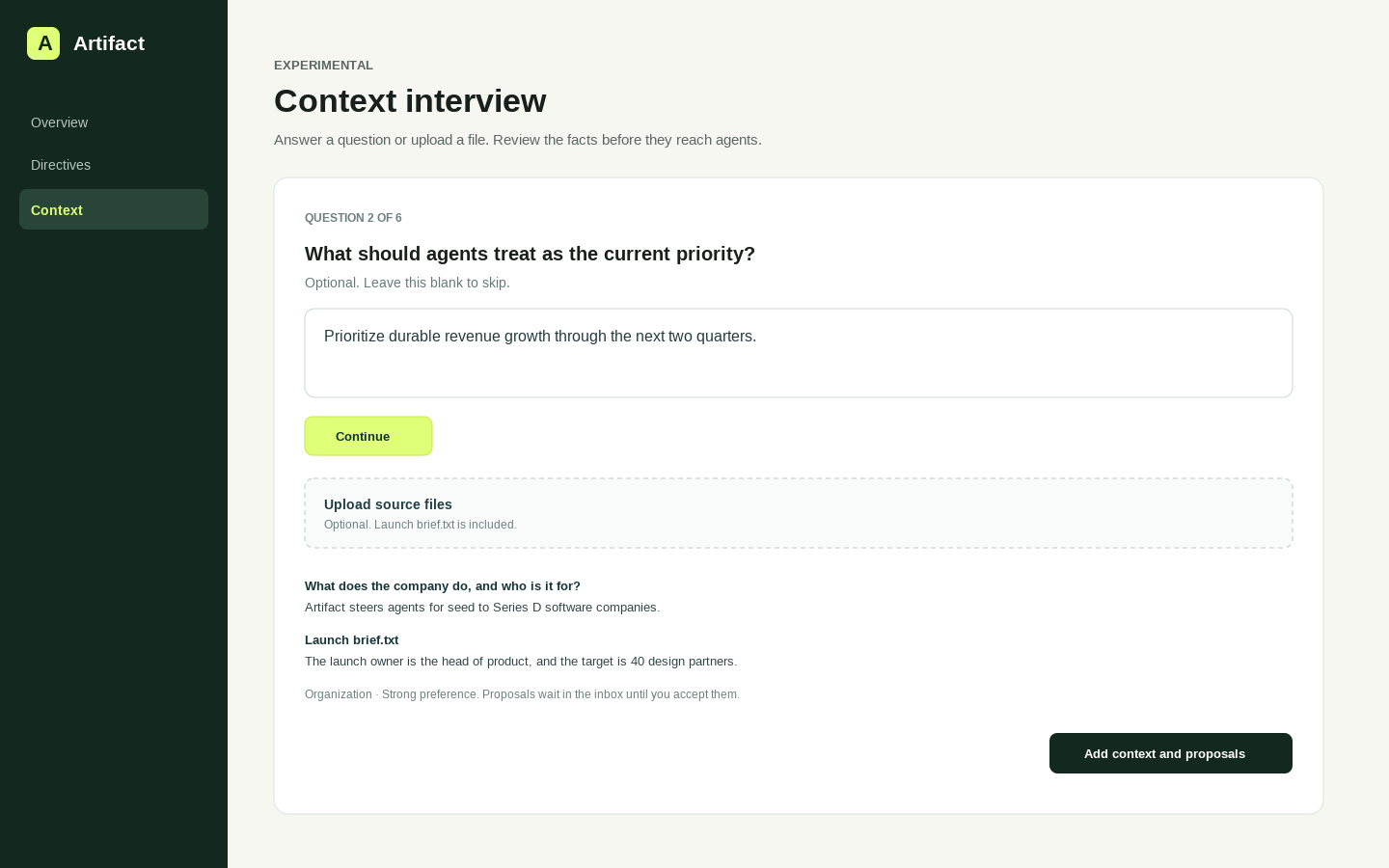
Build company context from an interview
Context interview turns answers or uploaded files into facts agents can use, and into directive proposals you review before they apply.
How to use it
- 1
Open Directives and choose Context interview. Answer the questions you want, or upload a file, then review the reading.
- 2
Save company context, send directive proposals, or both. Review proposals before they become directives.