Back to changelog
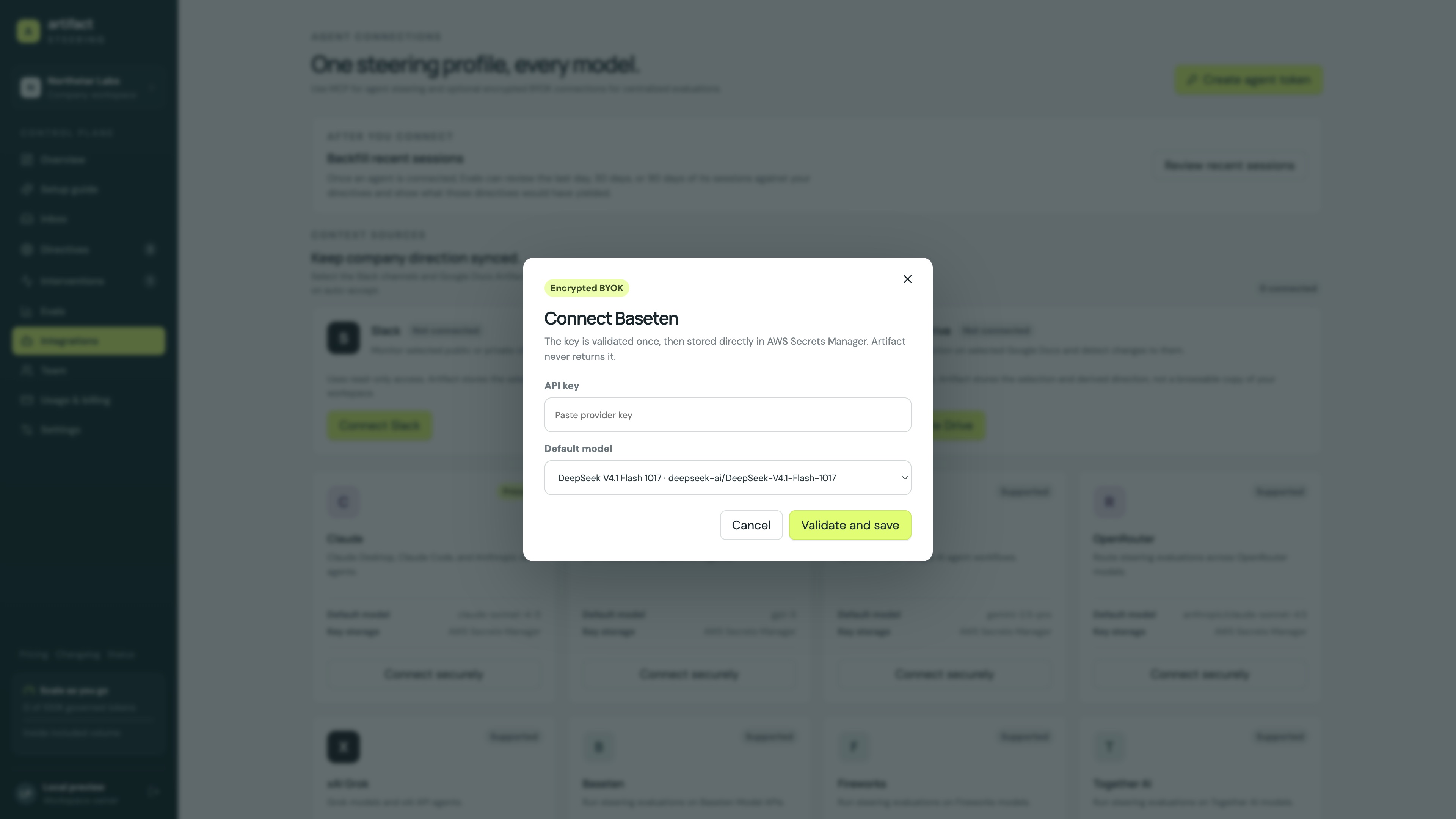
Choose a model when connecting a provider
Provider connections now offer a list of current models to choose from, with a custom model ID option for anything else.
How to use it
- 1
On Integrations, select Connect securely on a provider such as Baseten.
- 2
Paste your API key, then choose a model from Default model, or choose Custom model ID and enter the exact ID.
- 3
Select Validate and save. Artifact checks the key against that model before storing it.