Back to changelog
Product

Choose Drive files in Google Drive

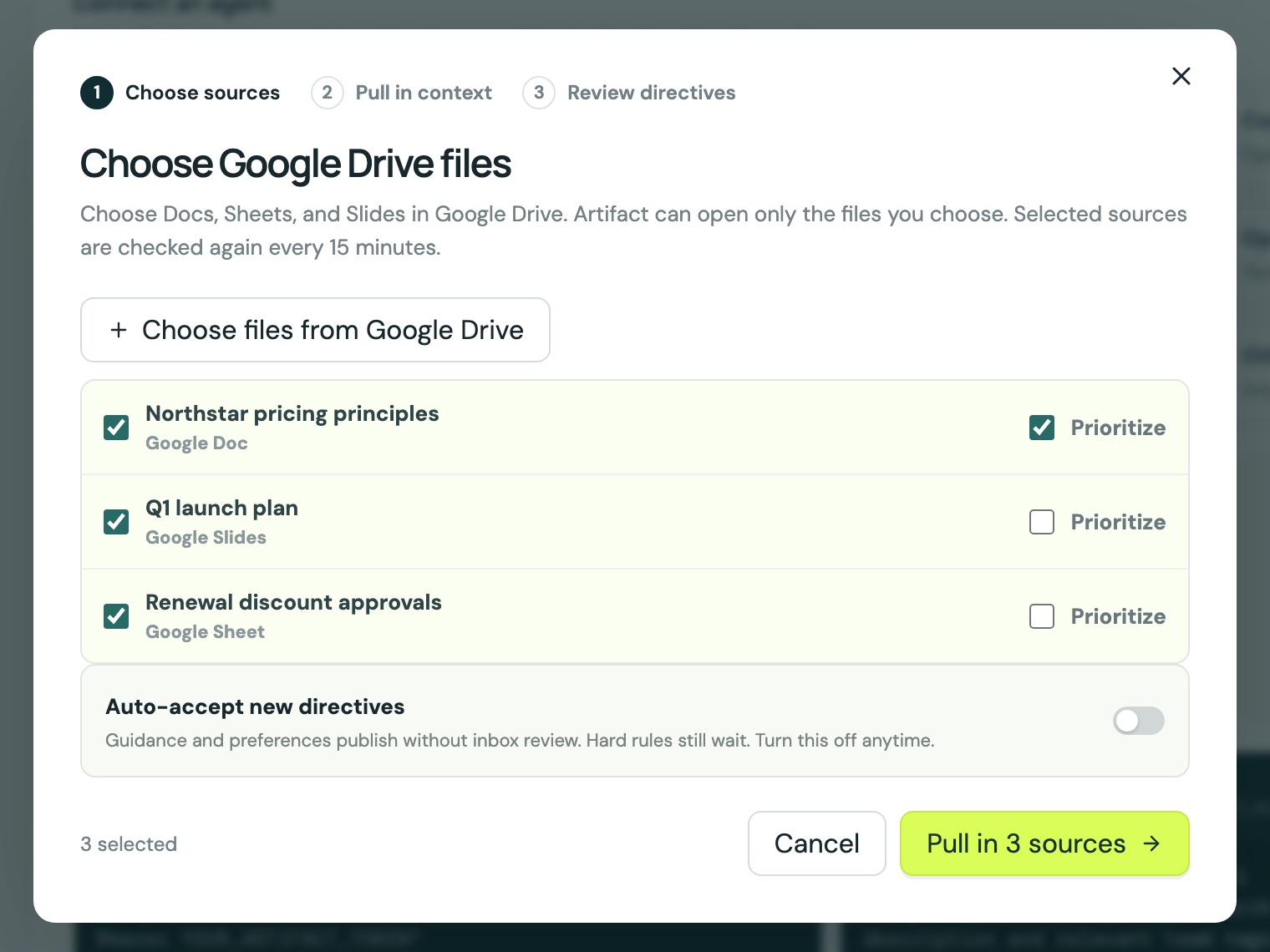
Google Drive opens its own file picker, and Artifact can open only the Docs, Sheets, and Slides you choose there.

The Choose Google Drive files step. It says Artifact can open only the files you choose and that selected sources are checked again every 15 minutes. Below a Choose files from Google Drive button, three chosen files are listed: Northstar pricing principles, a Google Doc marked Prioritize; Q1 launch plan, Google Slides; and Renewal discount approvals, a Google Sheet. The footer shows 3 selected and a Pull in 3 sources button.

How to use it

  1. 1

    Open Integrations and choose sources on Google Drive. If the card asks you to reconnect, reconnect first.

  2. 2

    Select Choose files from Google Drive, pick the Docs, Sheets, or Slides to use, then pull them in.