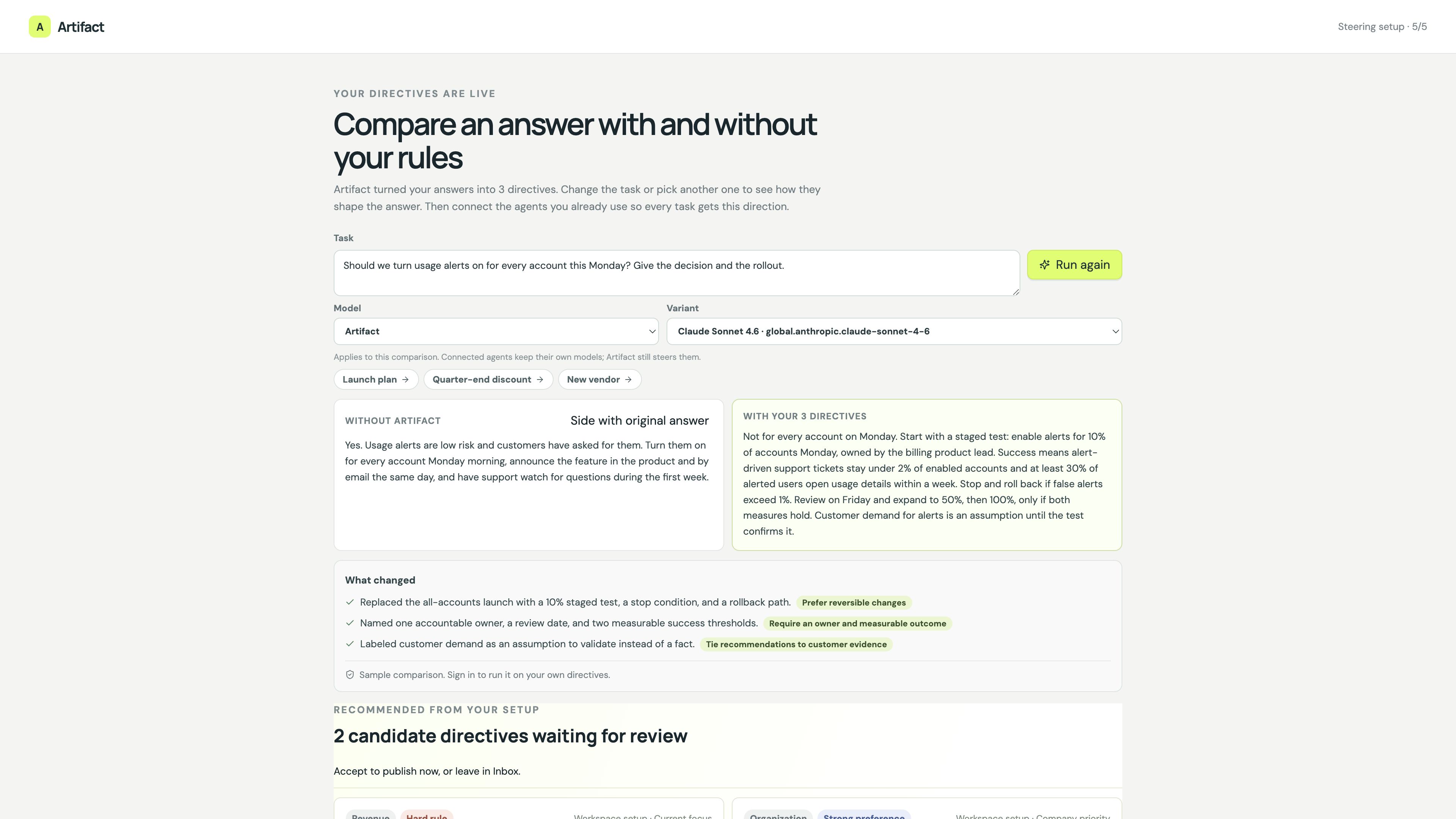
Choose the provider and model for in-app Artifact responses
Pick which provider and model Artifact uses for drafts, previews, checks, and other in-app answers—without changing how connected agents are steered.
How to use it
1
Open Setup guide or a live preview, choose a provider and model under the task field, then run Compare answers to see steered results from that model.
2
To set the workspace default, open Settings → In-app response model. Connect a provider key in Integrations first if you want to use your own Claude, OpenAI, Gemini, or other key.