Back to changelog
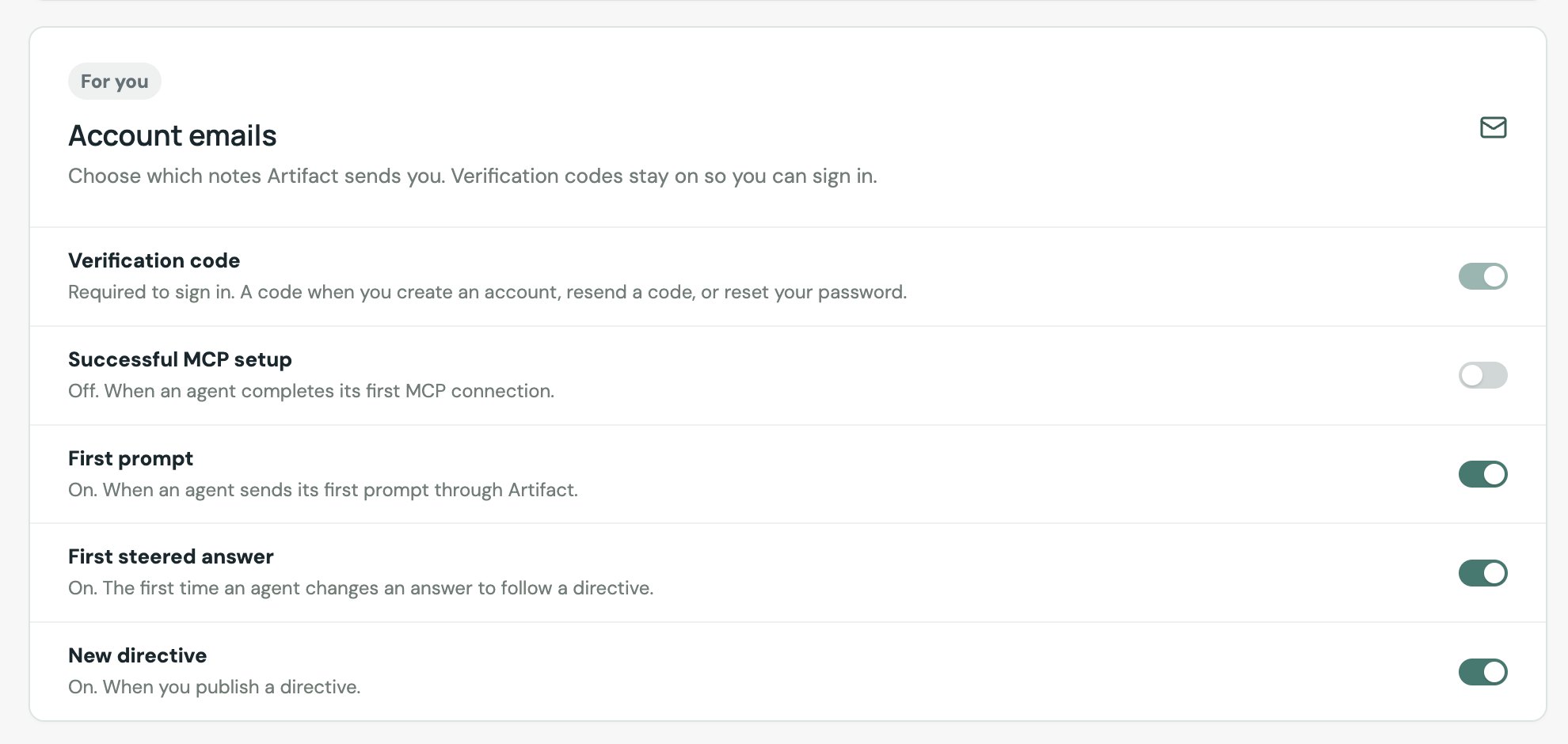
Choose which account emails you get
Settings lists each account email and lets you turn the optional ones off. Verification codes stay on.
How to use it
- 1
Open Settings and find Account emails.
- 2
Turn Successful MCP setup, First prompt, First steered answer, or New directive on or off. Verification code stays on.
- 3
The next matching event sends that email, or stays quiet when the switch is off.