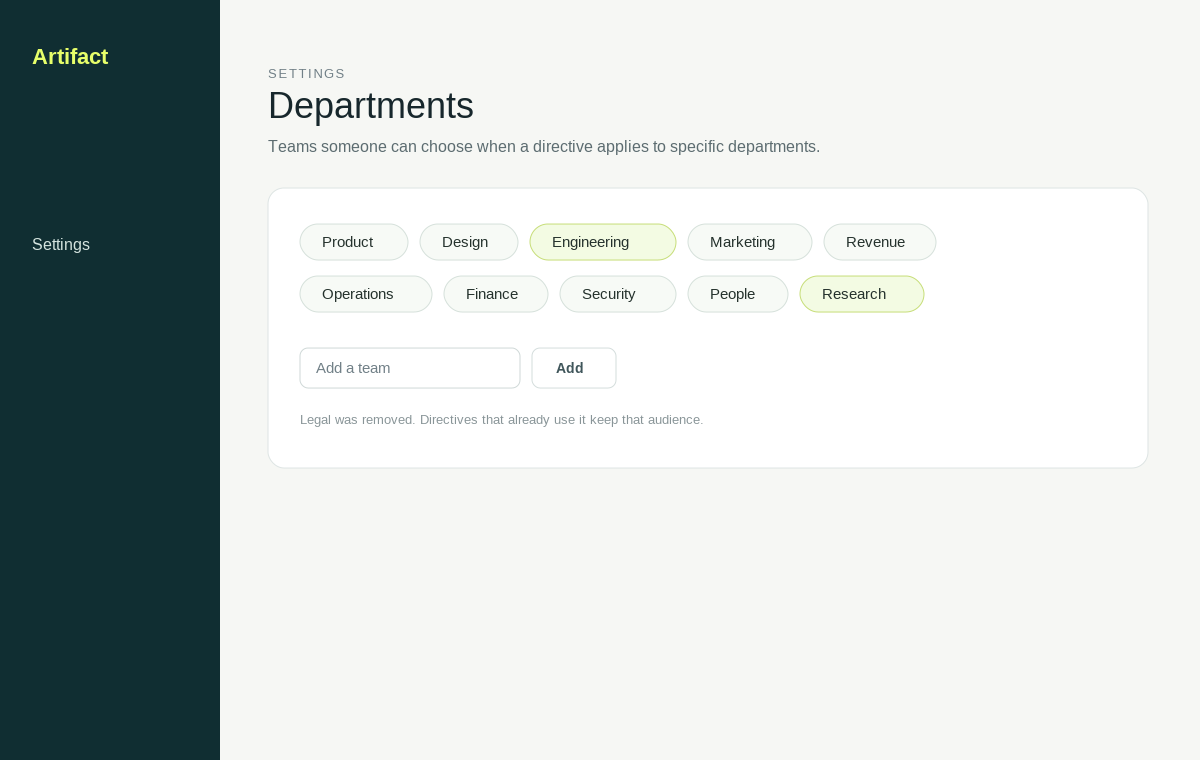
Owners and admins add a team or remove one, such as Legal, from Settings. That list is what a directive can apply to, and the teams a person can join or follow.
How to use it
1
Open Settings and find Departments.
2
Add a team, or remove one such as Legal. On a directive, Specific departments offers that list. Your team offers it too.