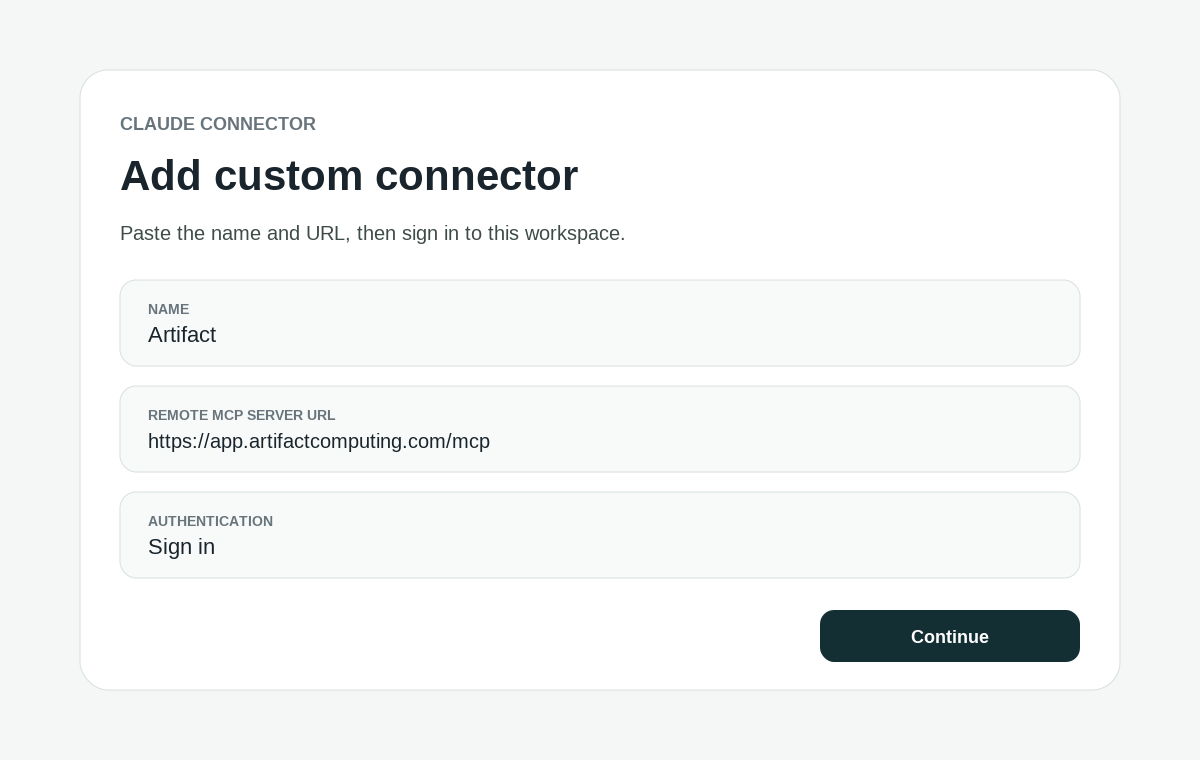
Claude and ChatGPT can connect to Artifact with a name, one URL, and a sign-in. Help center articles explain the customer setup and the directory submission.
How to use it
1
In Claude or ChatGPT, add a custom connector named Artifact and paste https://app.artifactcomputing.com/mcp.
2
Choose Sign in, approve the workspace, and save the Artifact instructions in that app's preferences.
3
Open Help for the customer steps, or the directory article when you are submitting the listing.