Back to changelog
Customer app 2026-11-24
Cleaner setup, clearer Home, and focused Evals Clean up unfinished agent setup, see exactly what steering changed, find marketplace direction faster, and navigate evaluations one question at a time.
How to use it 1 Open Integrations to finish or dismiss each attempted agent. When every remaining agent works, use Add another agent or connect Slack or Google Drive for context.
2 Open Home to review changed outcomes and context, then use Marketplace search or Evals to choose inherited direction and a model.
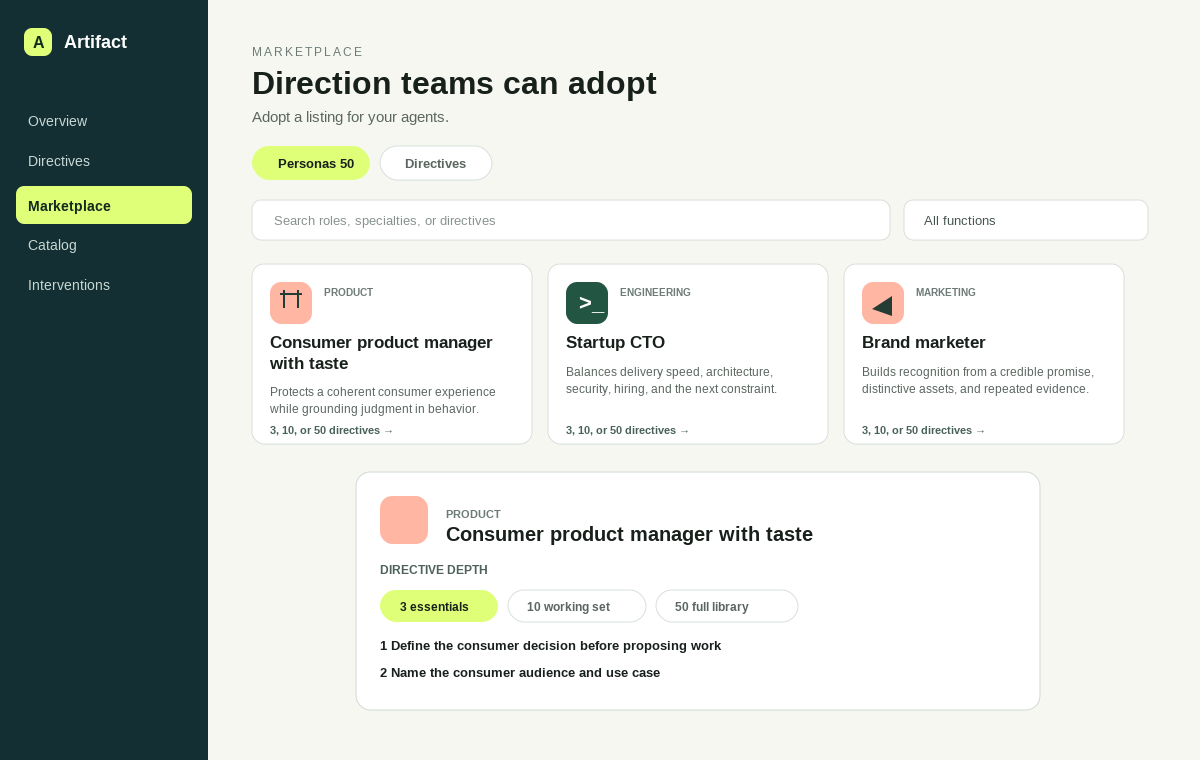
What shipped Integrations lets you dismiss an agent setup attempt, opens unfinished agents on their exact instructions, names connected context sources, and celebrates when every kept agent is working Home groups the next action with Inbox facts, links waiting recommendations to their review section, shows ingested context, and distinguishes changed outcomes from other interactions without printing a zero under every day Marketplace search filters immediately, personas explain their inherited directives, Sell a directive can use an existing Just me or team directive, and five evidence-backed blended personas cover additional operator contexts Marketplace controls, select chevrons, spacing, and Talk typography use one consistent hierarchy Evals opens on the recommendation and separates steering impact, past sessions, the model guide, and scoring criteria into focused views with supporting detail collapsed Acceptance: dismiss an unused token from Integrations, open an unfinished agent from Home, search Marketplace, list an existing directive, and move through each Evals view Monitor: setup revocations, client-targeted Integrations visits, marketplace listing starts, and Evals view usage Recovery: restore the prior customer app commit if setup cleanup, deep links, or focused navigation prevent completion