Back to changelog
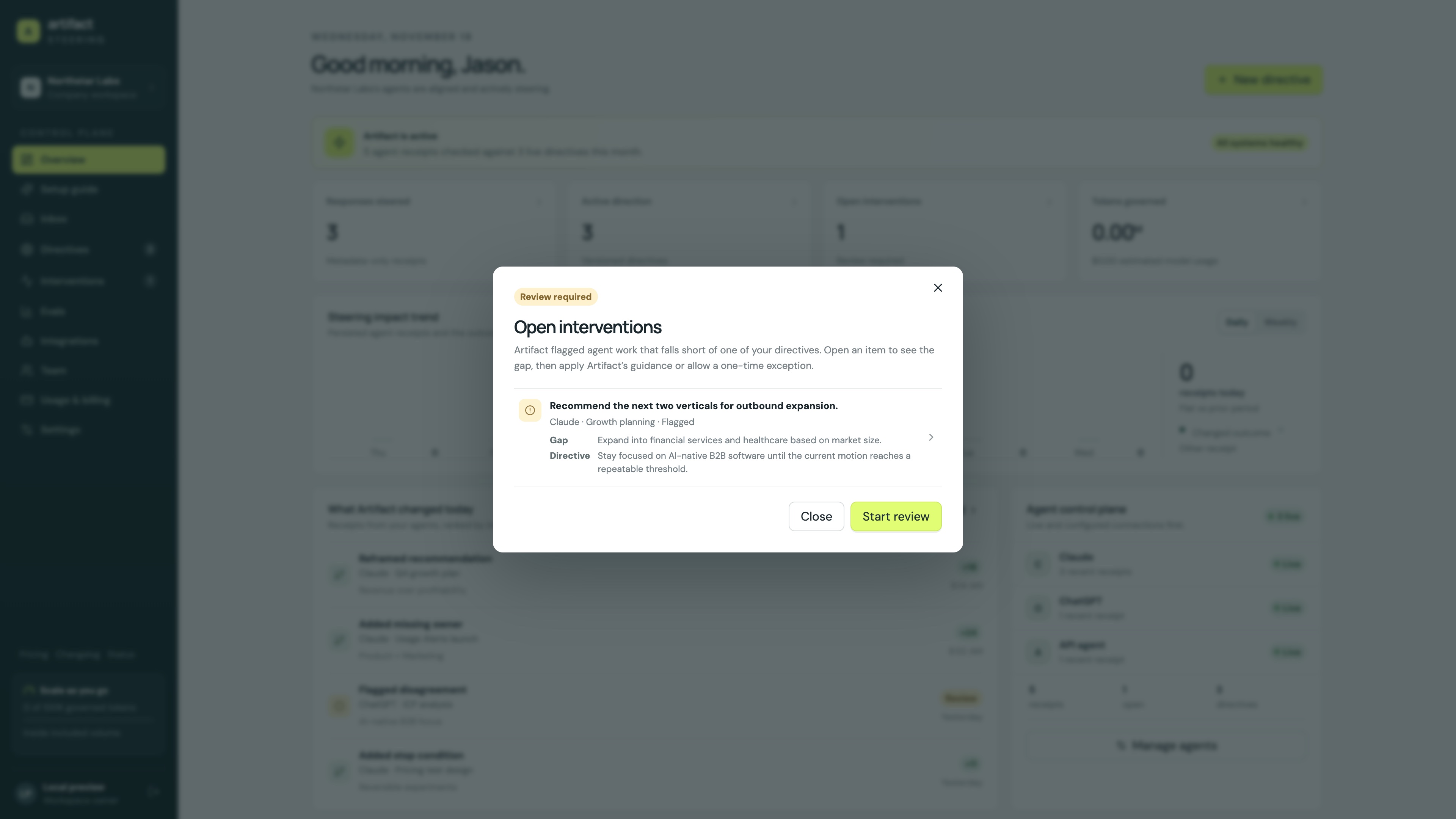
Clearer open interventions
Open interventions now show what the agent missed and which directive it missed, and each one opens directly for review.
How to use it
- 1
On Overview, select Open interventions.
- 2
Read the gap and directive for each item, then select the item to open it.
- 3
Select Apply Artifact guidance to keep your direction, or Allow exception to accept that output once.