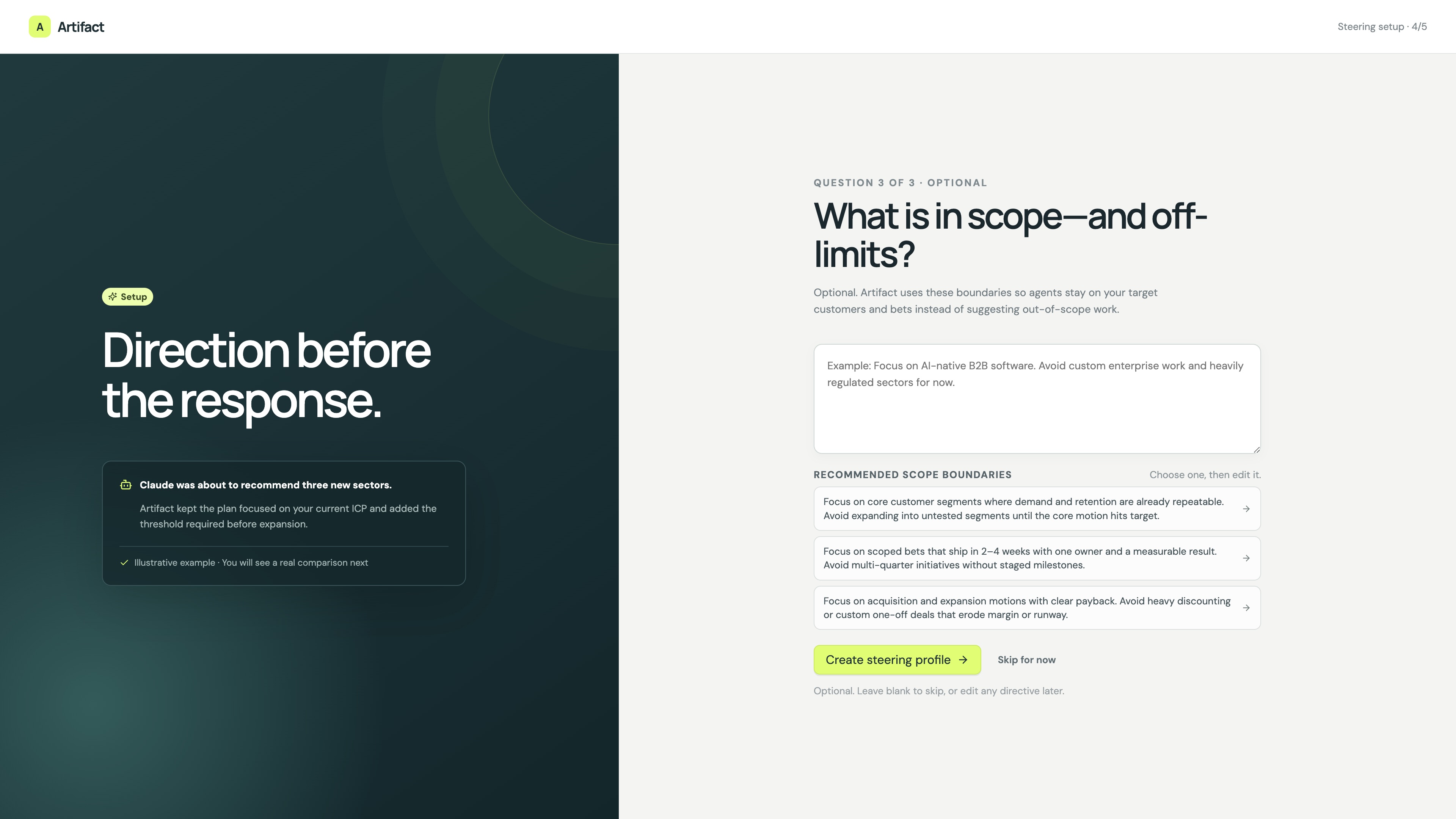
Clearer setup guardrails and optional scope boundaries
Workspace setup now explains how execution breakdowns and scope boundaries shape agent answers, replaces generic template paraphrases with concrete operator options, and lets you skip either question when creating your steering profile.
How to use it
1
Enter your top priority in Question 1, then optionally describe where plans for that priority break down in Question 2 or skip it.
2
In Question 3, choose or write what is in scope and off-limits—or select Create steering profile with the field blank to go straight to your live directive comparison.