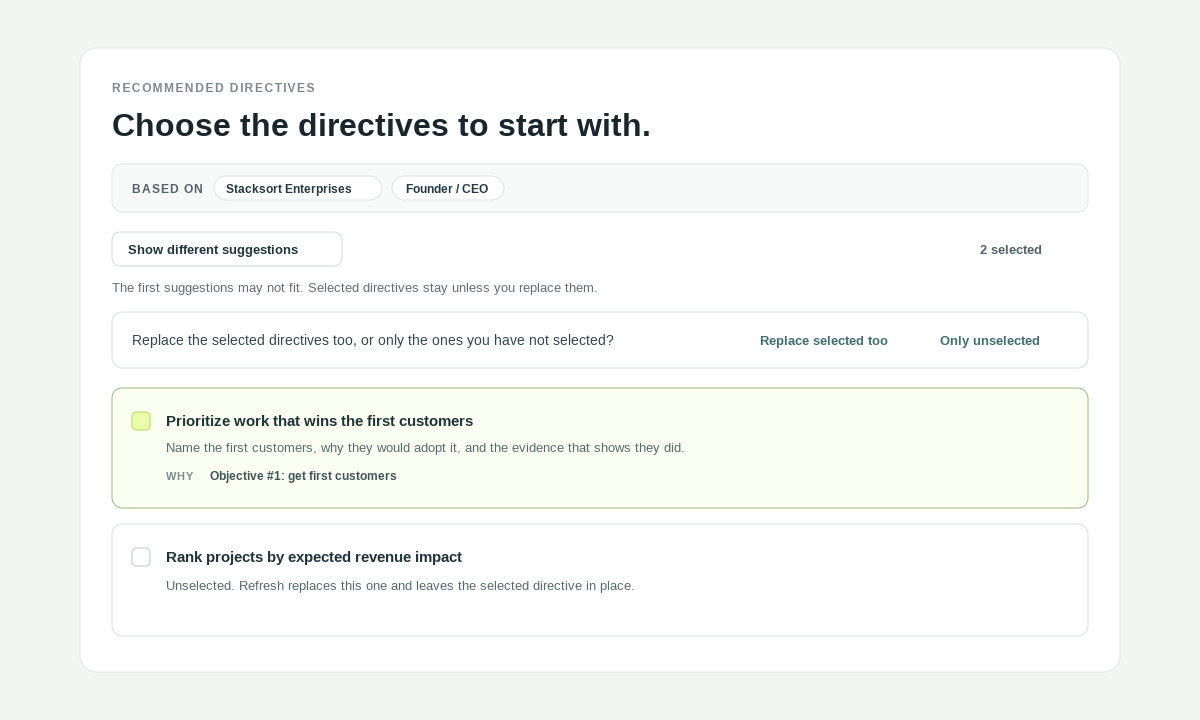
Setup shows different directive suggestions at the top of the review, asks before replacing ones you already selected, and gives the answer comparison more room.
How to use it
1
On the directive review step, use Show different suggestions above the list.
2
If some directives are already selected, choose Replace selected too or Only unselected.
3
After the workspace is created, read the two answers. The comparison and the candidate cards keep space around the text.