Back to changelog
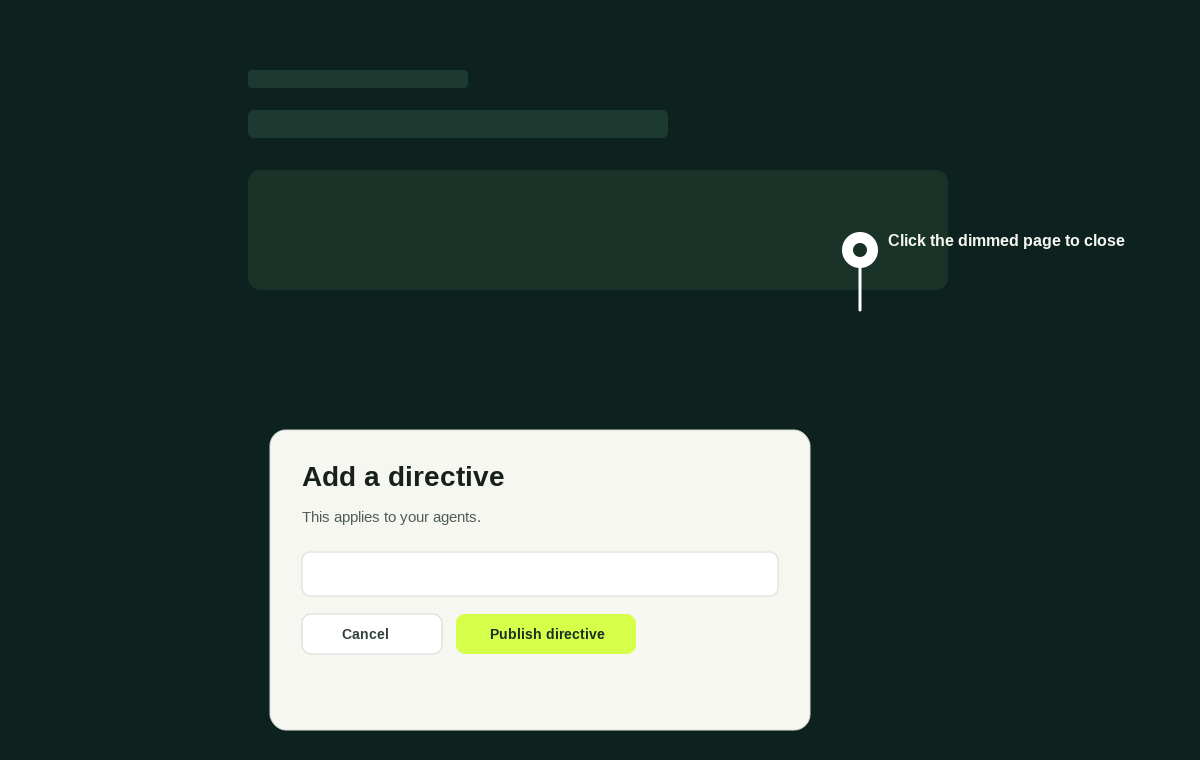
Click outside a dialog to close it
A press on the dimmed area around a dialog closes it, on the same dialogs that already close from the close button.
How to use it
- 1
Open a dialog, such as Add a directive, What's new, or a demo.
- 2
Click the dimmed page around the dialog. It closes. A click inside the dialog leaves it open.