Back to changelog
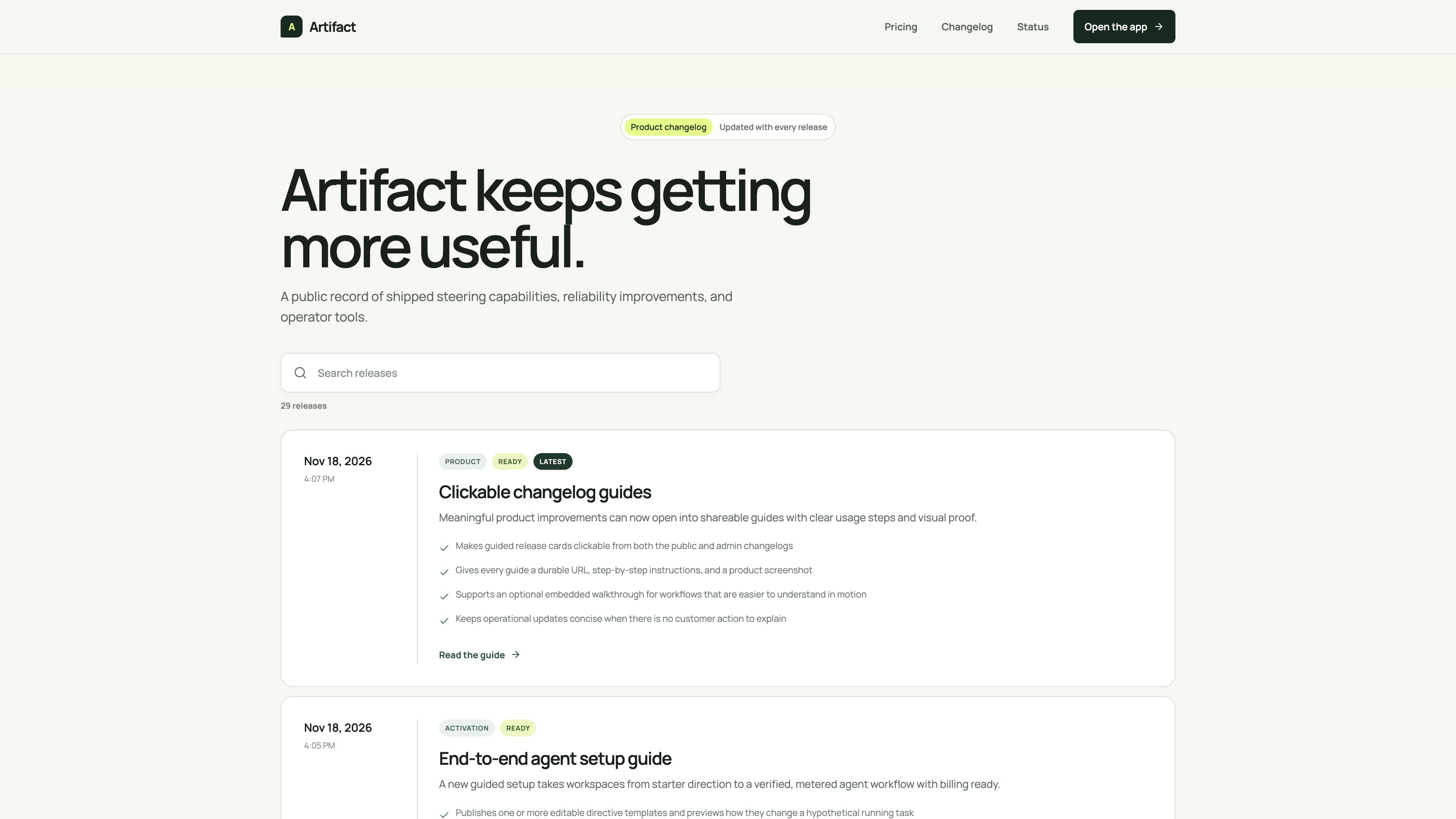
Clickable changelog guides
Meaningful product improvements can now open into shareable guides with clear usage steps and visual proof.
How to use it
- 1
Open the changelog and choose a release marked with “Read the guide.”
- 2
Review the screenshot to identify the controls and page used by the improvement.
- 3
Follow the numbered instructions, then use the shipped-details panel to confirm what behavior is available.
- 4
Use “Copy guide link” to send the exact walkthrough to a teammate.