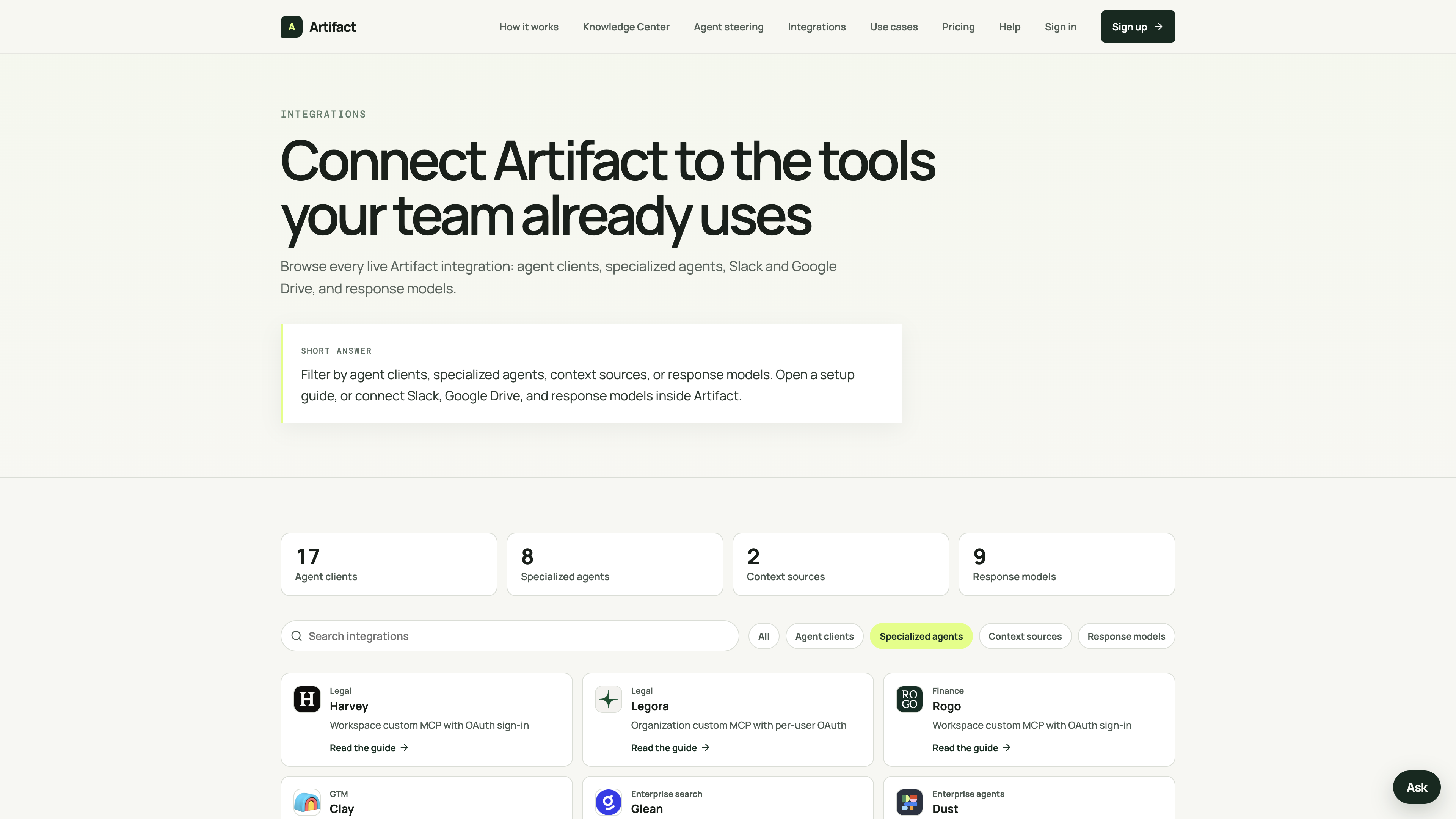
Configure Artifact from any feature or integration guide
Feature and integration guides now offer Configure Artifact for that product, carry the choice through signup, and open setup on that integration first — while every other setup step stays easy to reach.
How to use it
1
Open an integration or feature guide such as https://artifactcomputing.com/integrations/clay and choose Configure Artifact for Clay.
2
After signup and the core workspace questions, confirm the setup guide starts on that product and that you can dismiss or switch agents.