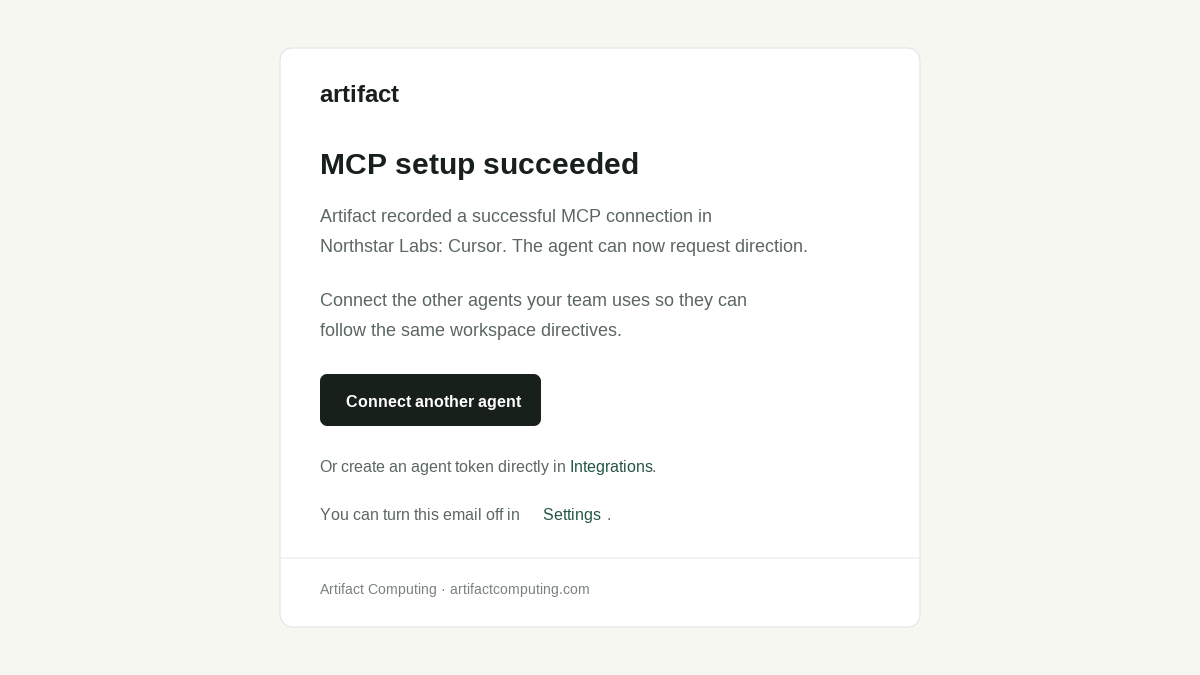
The successful connection email now points directly to the next agent setup, so teams can extend the same workspace direction across their agent stack.
How to use it
1
After an agent completes its first MCP connection, open the confirmation email and select Connect another agent.
2
Follow the client-specific setup guide, or open Integrations from the email to create another agent token directly.