Artifact's Slack app now accepts connections from workspaces outside its original developer workspace, so workspace admins can complete authorization instead of seeing a distribution error.
How to use it
1
Open Settings → Integrations in Artifact, find Slack, and choose Connect.
2
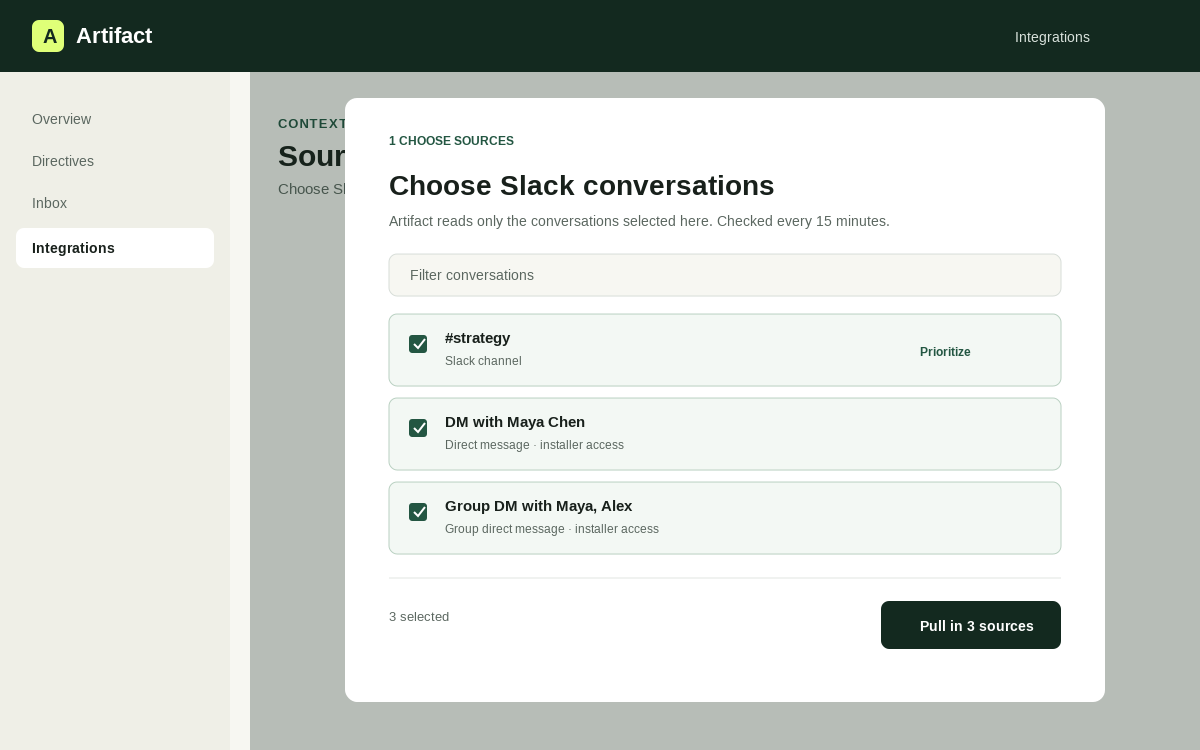
Choose the Slack workspace you want to connect, approve the requested access, then select the conversations Artifact may use.
3
Run the source sync; disconnect Slack from the same integration panel when you no longer want the workspace connected.