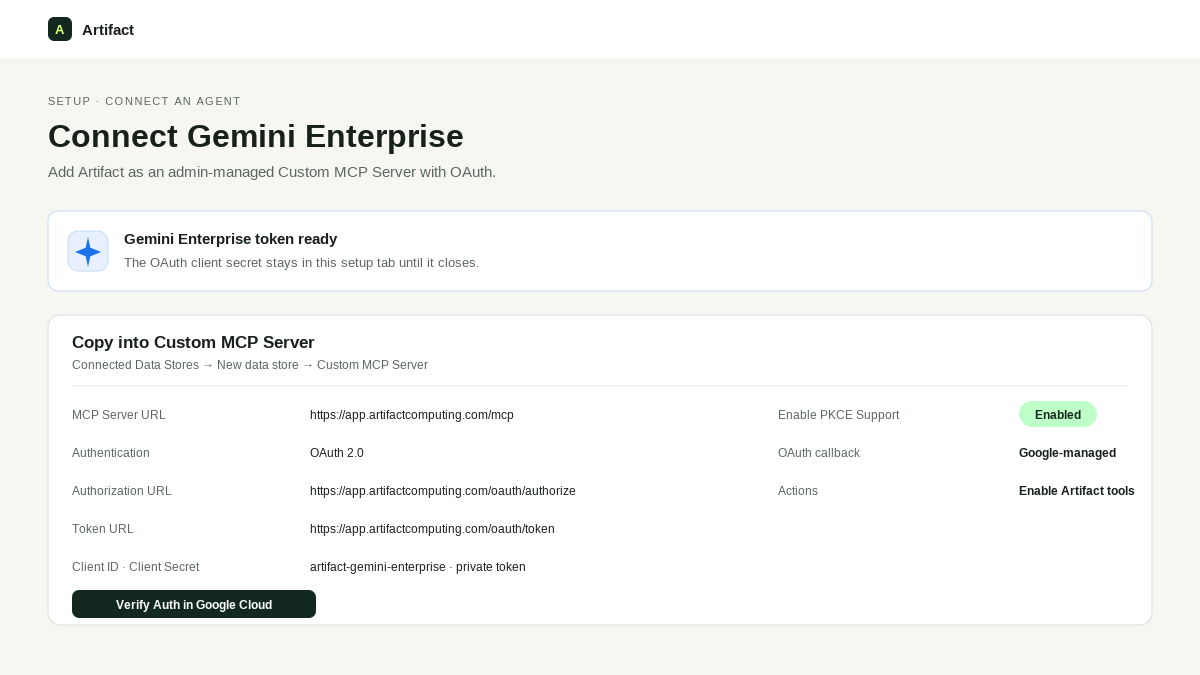
Workspace admins can connect Artifact to the Gemini Enterprise web app through an OAuth-protected Custom MCP Server.
How to use it
1
Open Setup, choose Gemini Enterprise, and keep the generated token tab open.
2
In Google Cloud, add a Custom MCP Server data store with the supplied OAuth fields, verify and approve the Artifact workspace, enable the Artifact actions, and paste the app-wide Assistant instructions.