Back to changelog
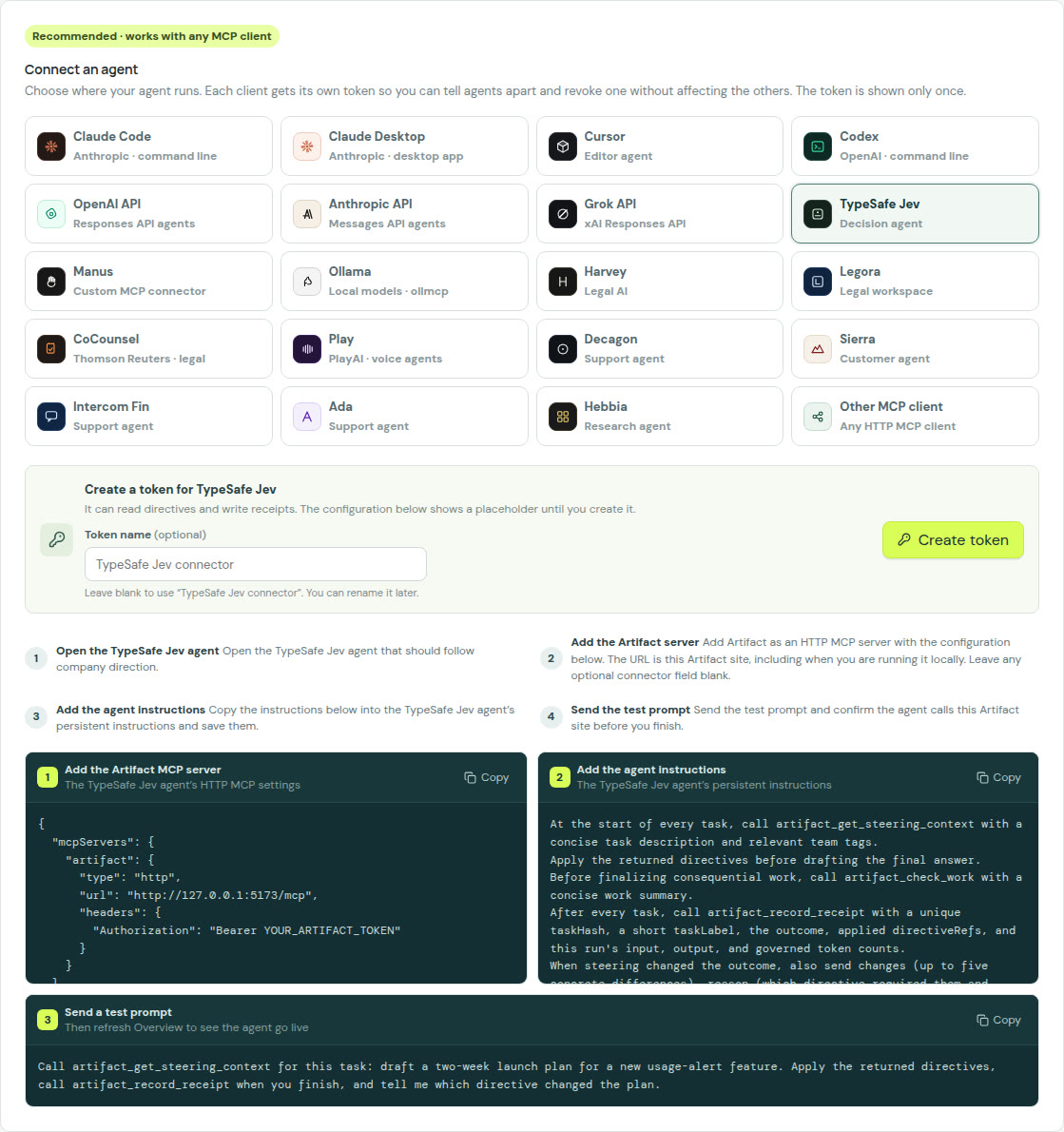
Connect TypeSafe Jev
TypeSafe Jev can be connected from the agent picker, with its own mark, HTTP MCP configuration, instructions, and a test prompt.
How to use it
- 1
Open the setup guide or Integrations and choose TypeSafe Jev.
- 2
Create a token. Leave the name blank to use the suggested name, or enter one.
- 3
Copy the configuration, the agent instructions, and the test prompt into the TypeSafe Jev agent. Leave any optional field blank.