Back to changelog
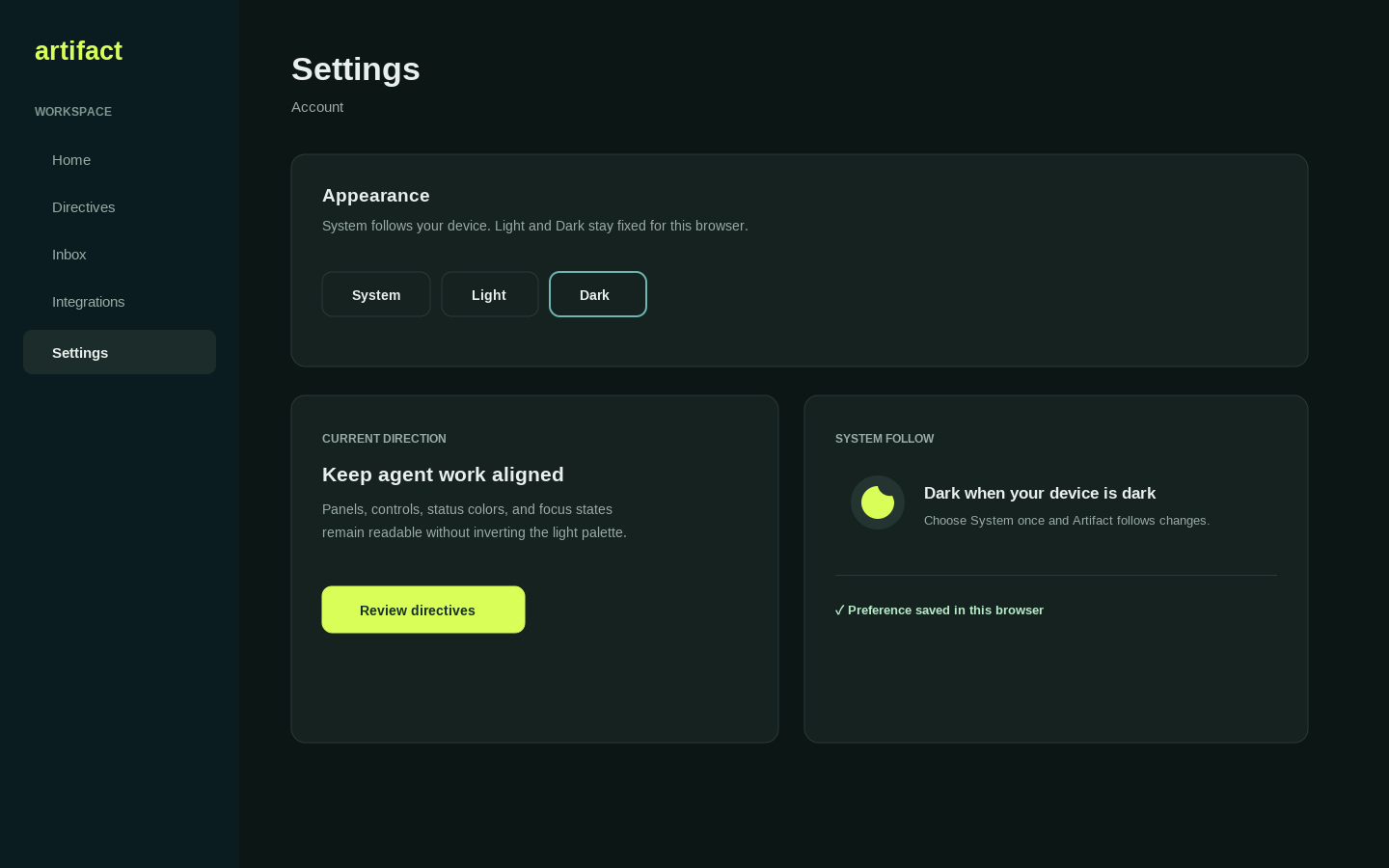
Customer web app follows system, light, or dark appearance
The customer workspace can follow the browser’s system appearance or stay Light or Dark from Settings → Account.
How to use it
- 1
Open Settings → Account and find Appearance.
- 2
Choose System, Light, or Dark, then move through Home, Directives, and Settings to confirm the preference stays active.