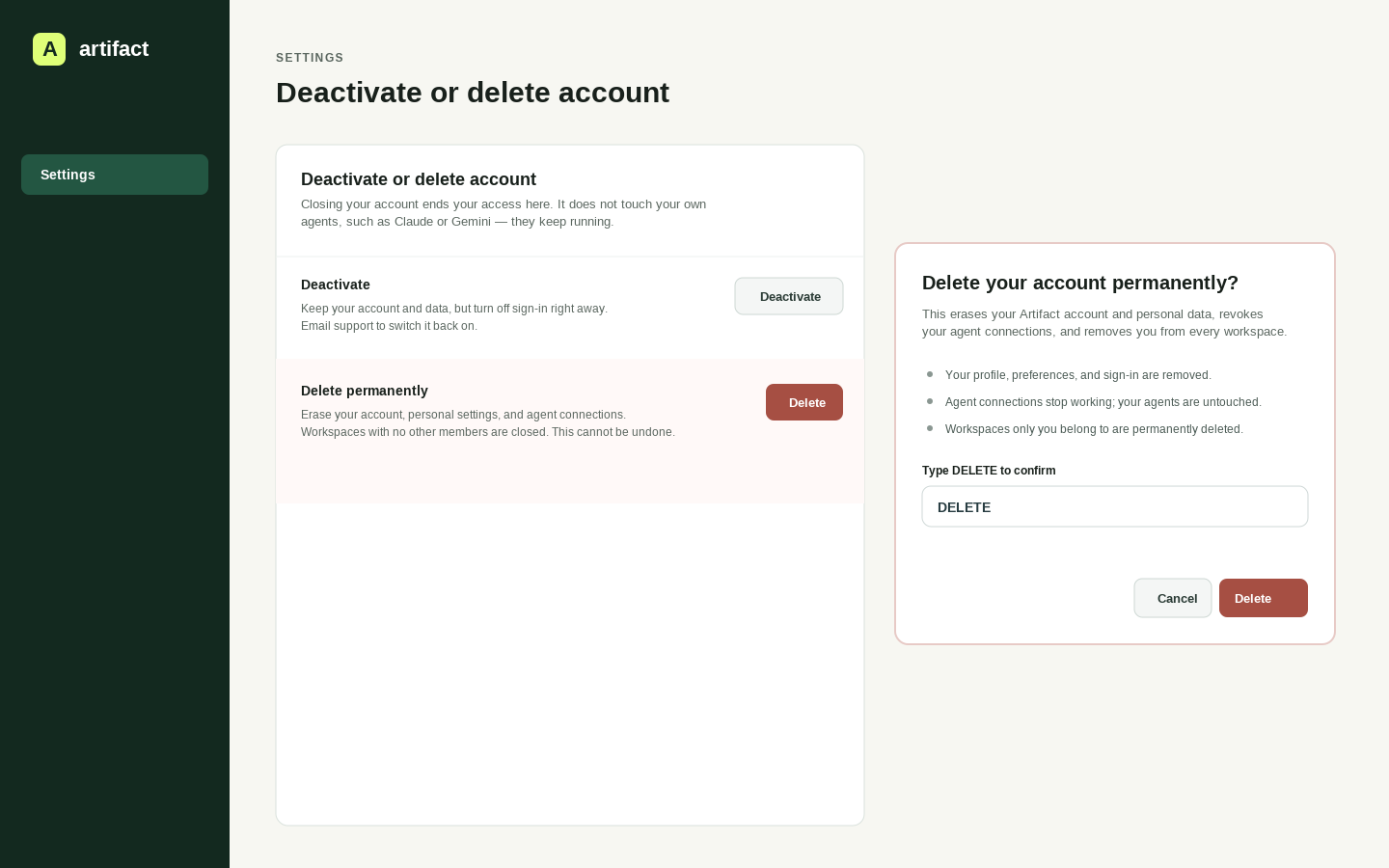
You can now close your own Artifact account from Settings. Deactivate keeps your account and data but turns off sign-in until you email support to reactivate, while Delete permanently erases your account and data after a typed confirmation. Either way your own agents keep running and only lose their Artifact connection.
How to use it
1
Open Settings and scroll to Deactivate or delete account.
2
Choose Deactivate to pause access (email support to return) or Delete, then type DELETE to permanently erase your account.