Back to changelog
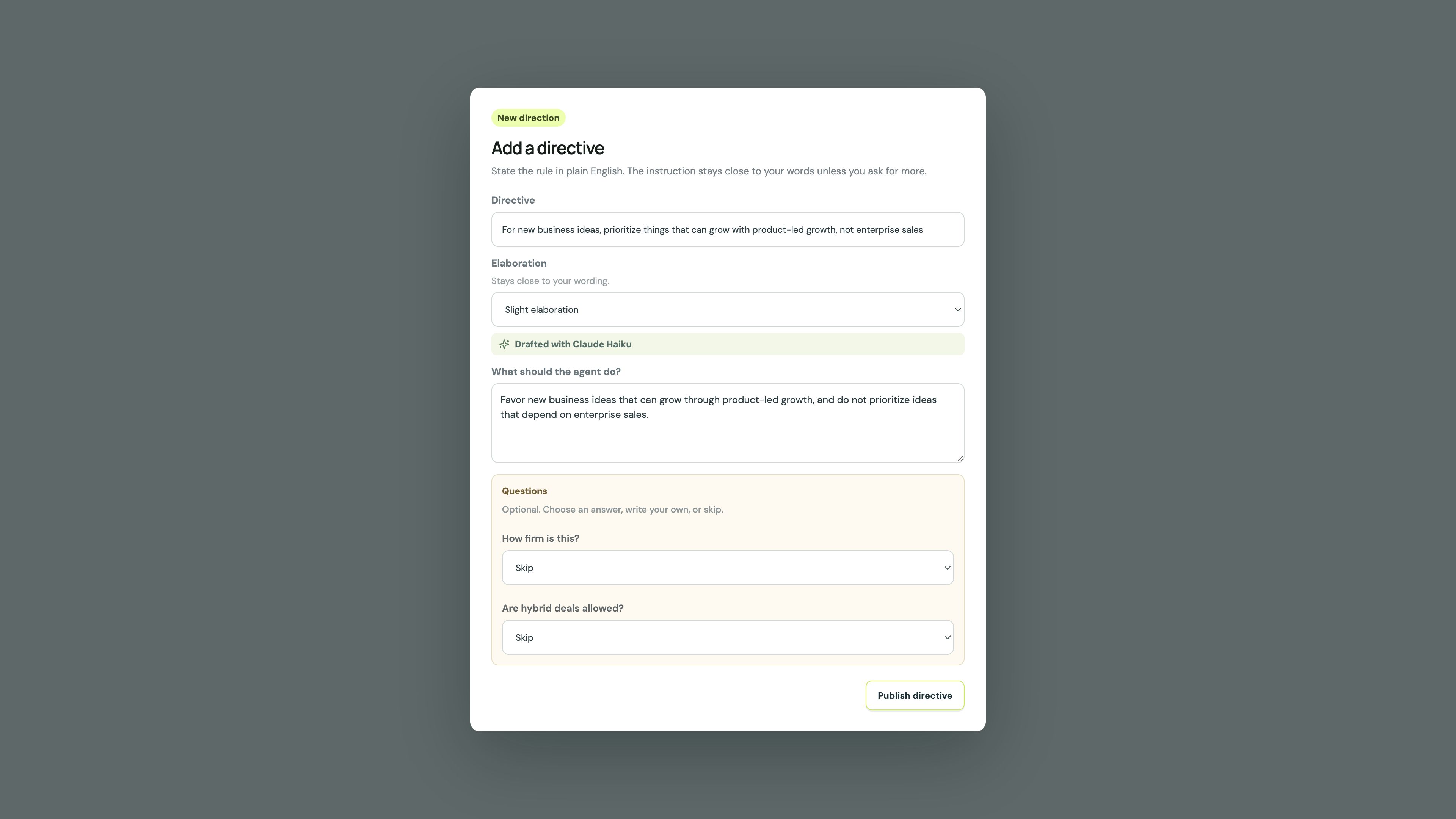
Directive drafts stay close to what you wrote
A new directive starts as a short elaboration of your words, and follow-up questions are choices you can skip or replace.
How to use it
- 1
Open Directives, choose New directive, and leave Elaboration on Slight unless you want a longer instruction.
- 2
On a follow-up, pick a choice, choose Write my own, or leave Skip. Publish does not require an answer.