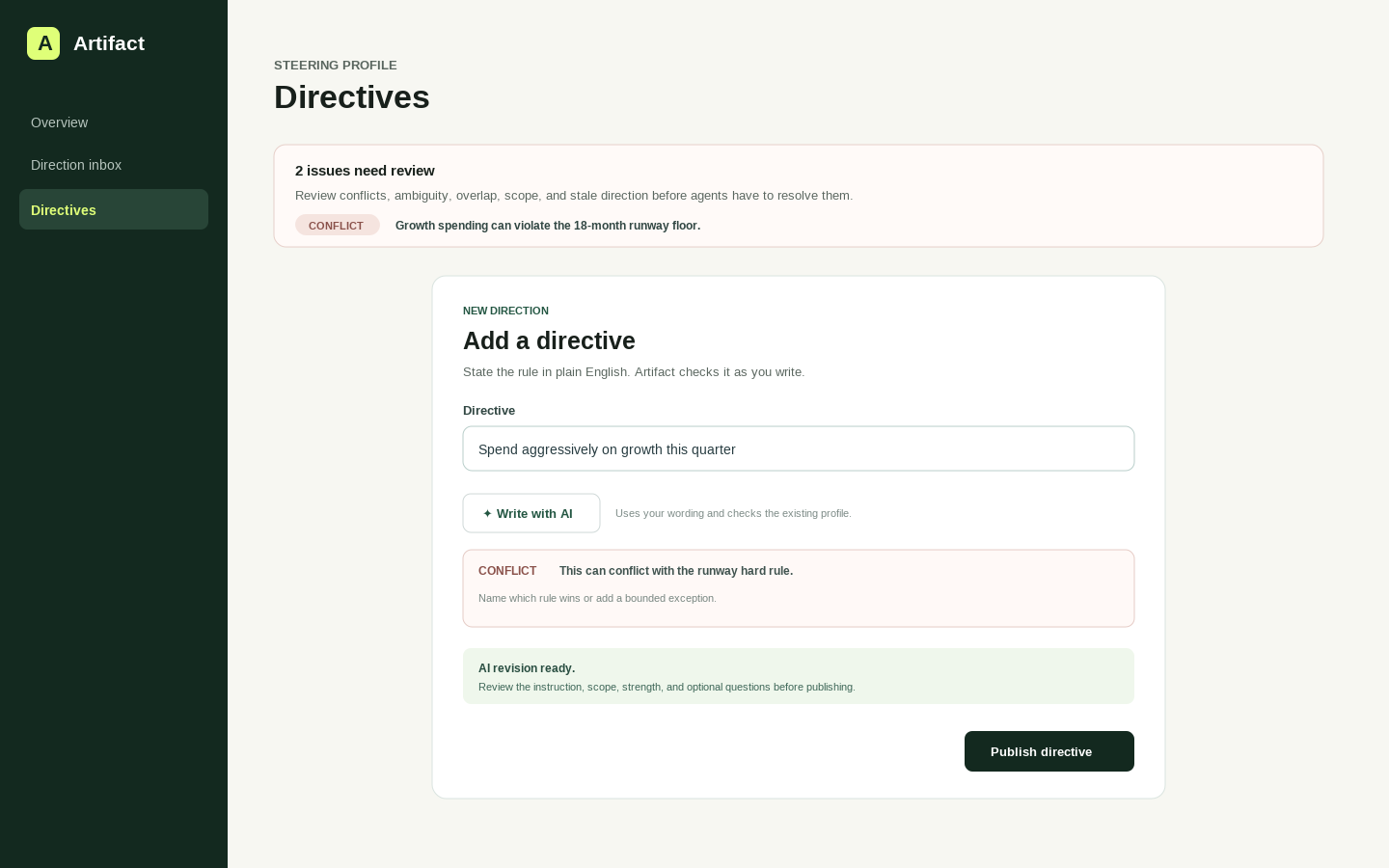
Artifact now checks new and existing directives for ambiguity, conflicts, overlap, scope problems, and stale direction before agents have to resolve them.
How to use it
1
Open Directives and review the profile health check for conflicts, ambiguity, overlap, scope problems, or stale direction.
2
Choose New directive, write your direction, and review the live feedback; choose Write with AI when you want Artifact to revise it against the existing profile.
3
Review the AI revision and any optional questions, make any edits you want, then publish the directive.