Back to changelog
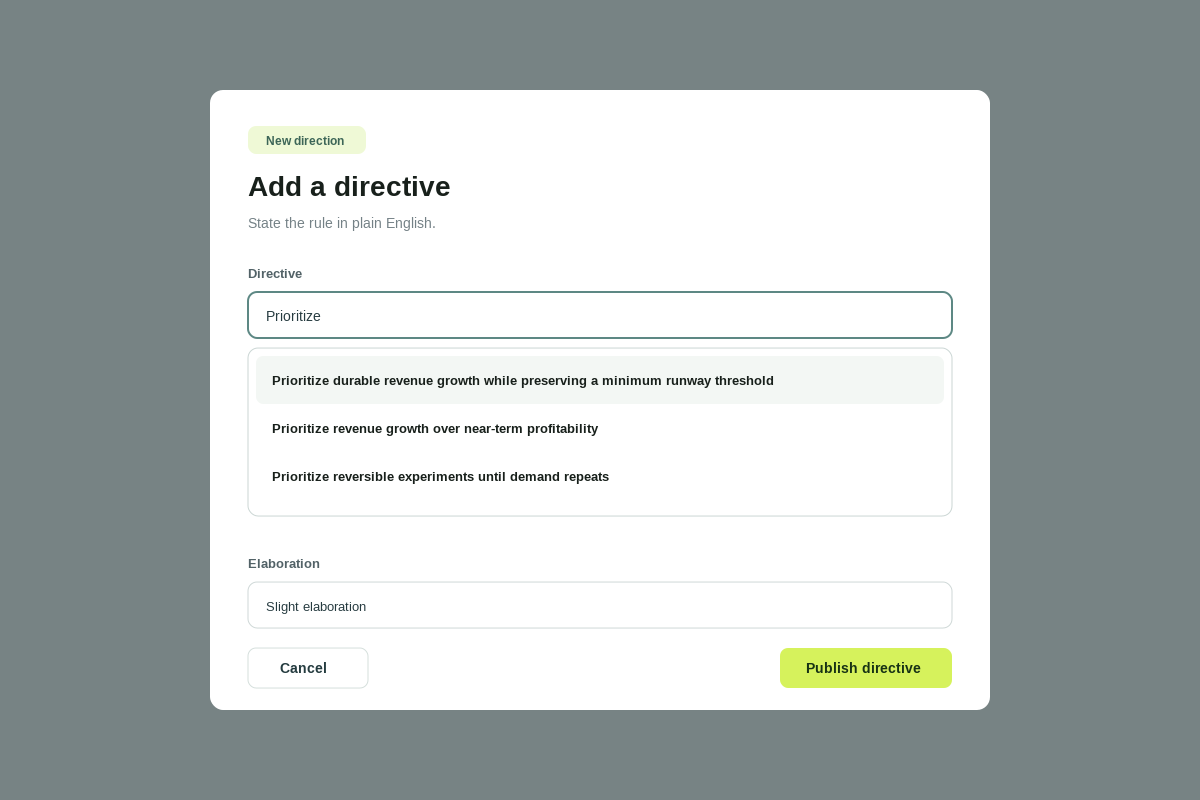
Directive title suggestions use a normal autocomplete
Typing a new directive title now opens a light autocomplete under the field instead of the browser’s dark tooltip-style datalist.
How to use it
- 1
Open Directives, choose Add a directive, and start typing a title such as Prioritize.
- 2
Pick a suggestion from the light list under the field, or keep typing your own wording.