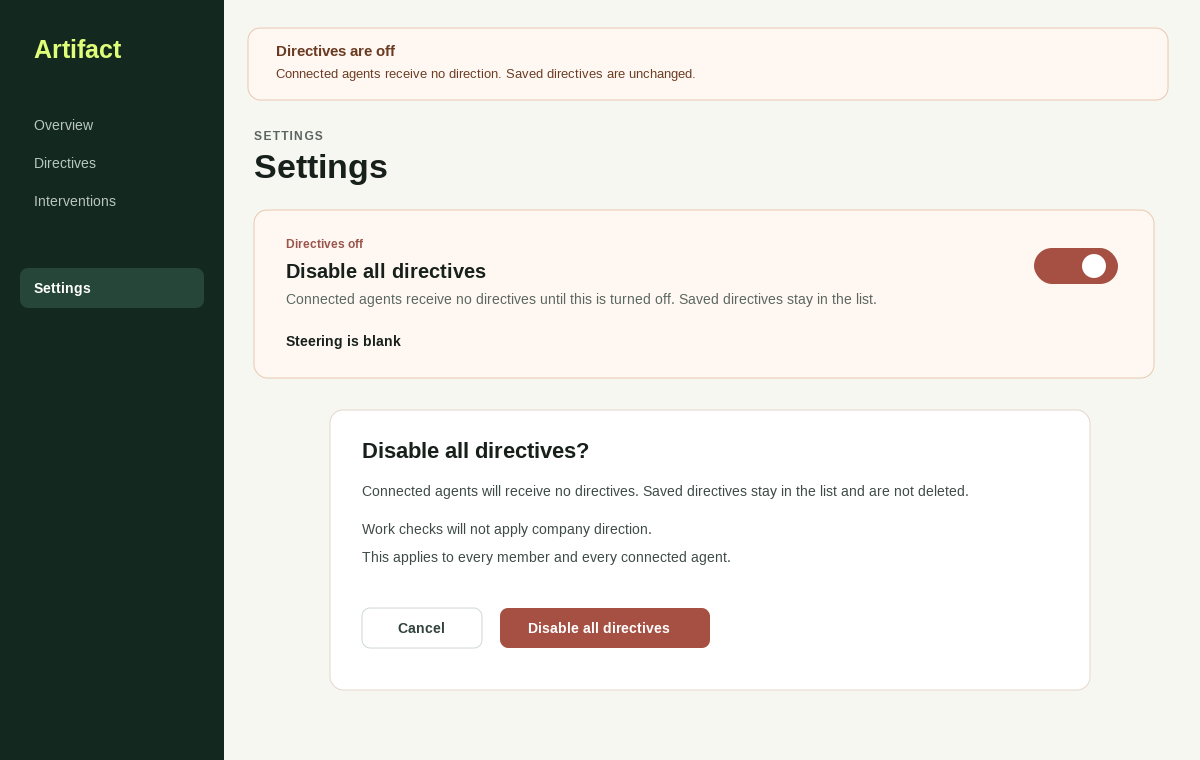
Organization directives apply to every member, and a team directive applies to people on that team. A personal opt-out stays off until an admin allows it.
How to use it
1
Open Settings and choose your team. Follow another team only if you want those directives too.
2
Leave Allow members to turn off directives for themselves off unless people should be able to blank their own sessions. Confirm before any of these switches change.