Back to changelog
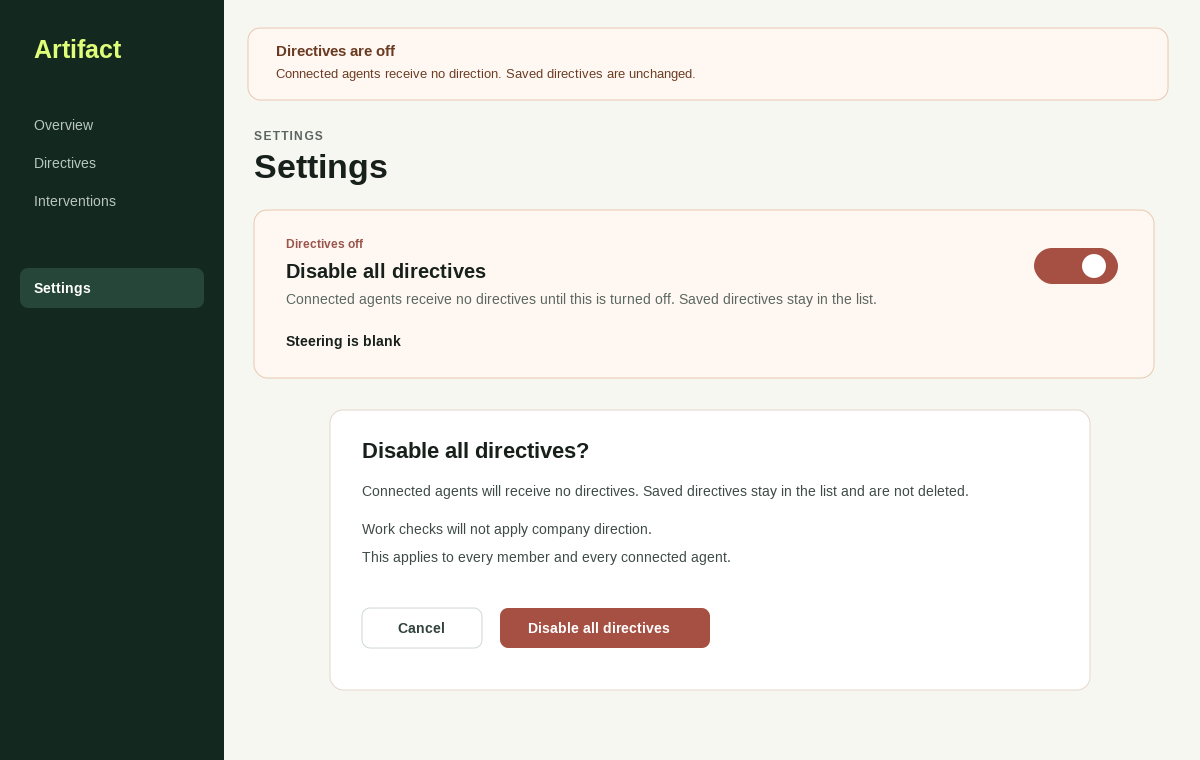
Disable all directives
Owners and admins can turn off every directive so connected agents receive no direction. Saved directives stay in the list.
How to use it
- 1
Open Settings and turn on Disable all directives. Read the warning, then confirm.
- 2
Connected agents receive no directives. Turn the switch off and confirm to send the saved directives again.