Back to changelog
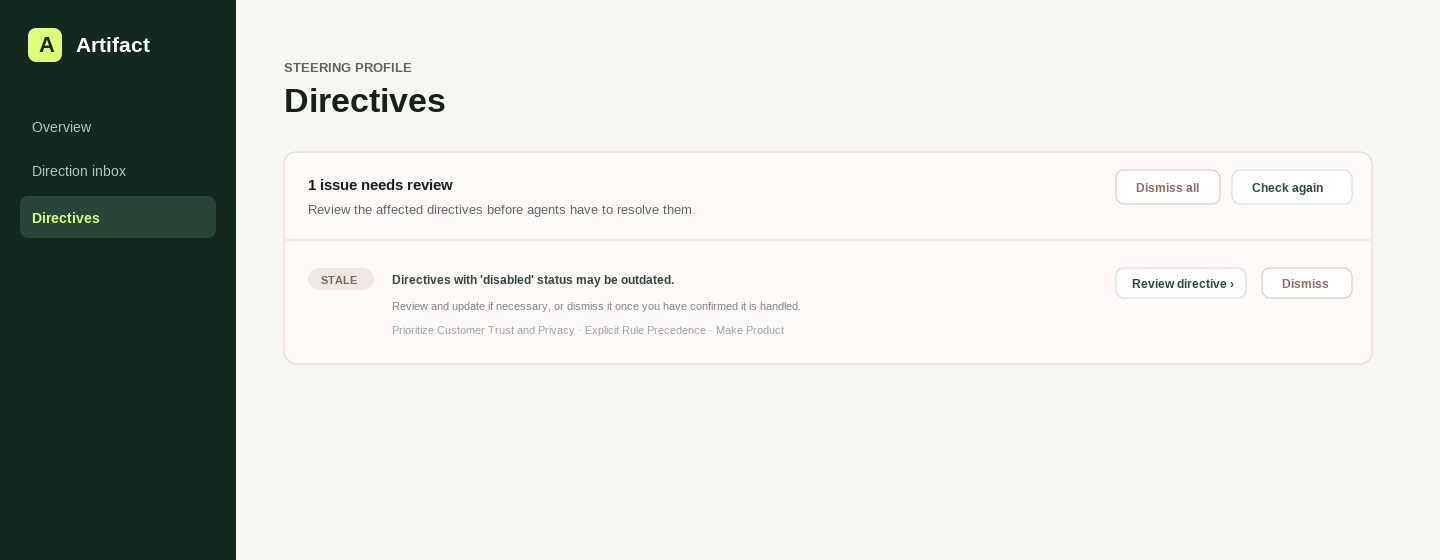
Dismiss directive health issues you have handled
The directive health panel lets you dismiss an issue you have already reviewed, so the needs-review banner reflects only the work that is still open.
How to use it
- 1
Open Directives and read the issues in the health panel at the top of the page.
- 2
Click Dismiss on an issue you have already handled, or Dismiss all to clear the list.