Back to changelog
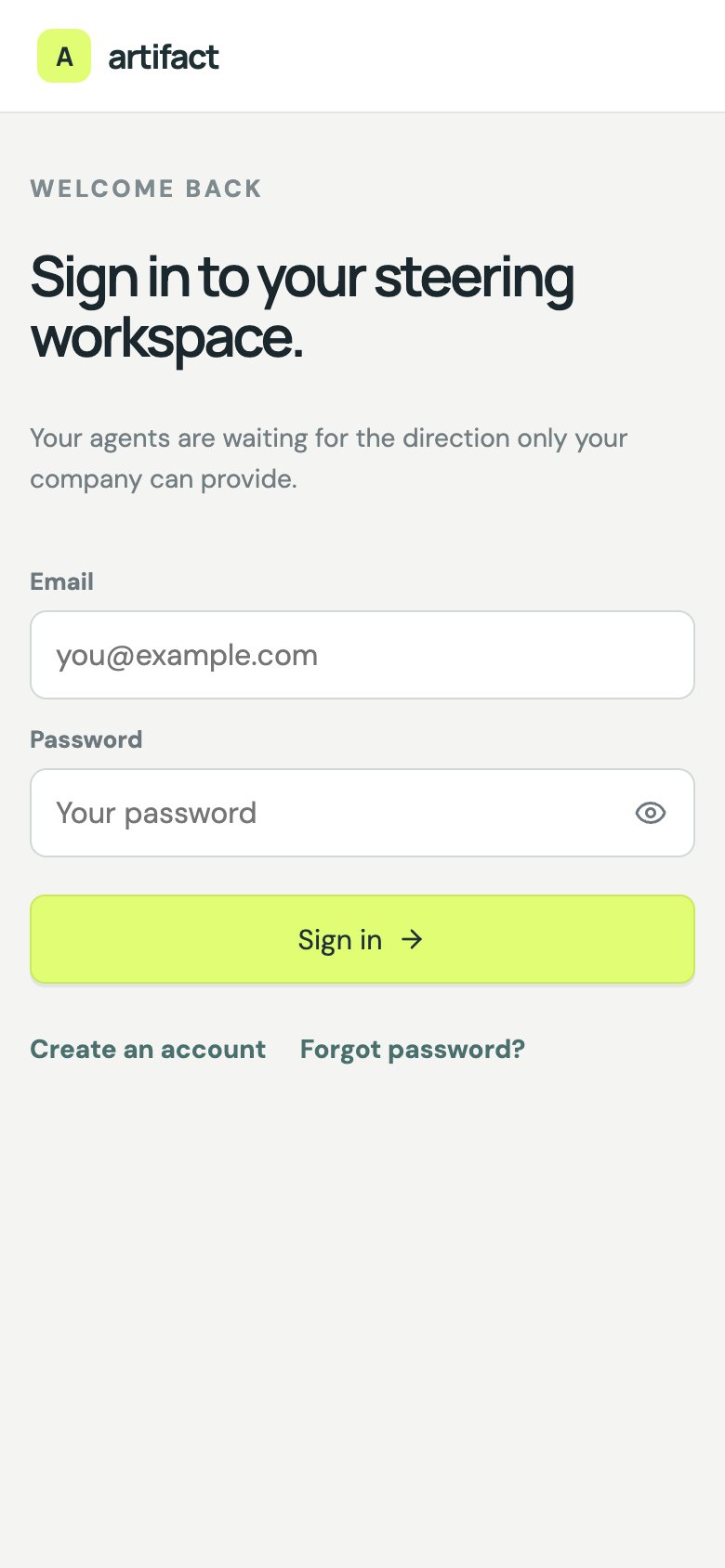
Easier sign-in and steering on iPhone
Signing in and working in Artifact from an iPhone browser now fits the screen, keeps text readable, and puts every control within easy reach.
How to use it
- 1
On your iPhone, open artifactcomputing.com in Safari and tap Sign in.
- 2
Sign in with your email and password, then tap the menu button at the top right to move between Overview, Directives, Inbox, and Settings.
- 3
To open Artifact like an app, tap Share, then Add to Home Screen.