Back to changelog
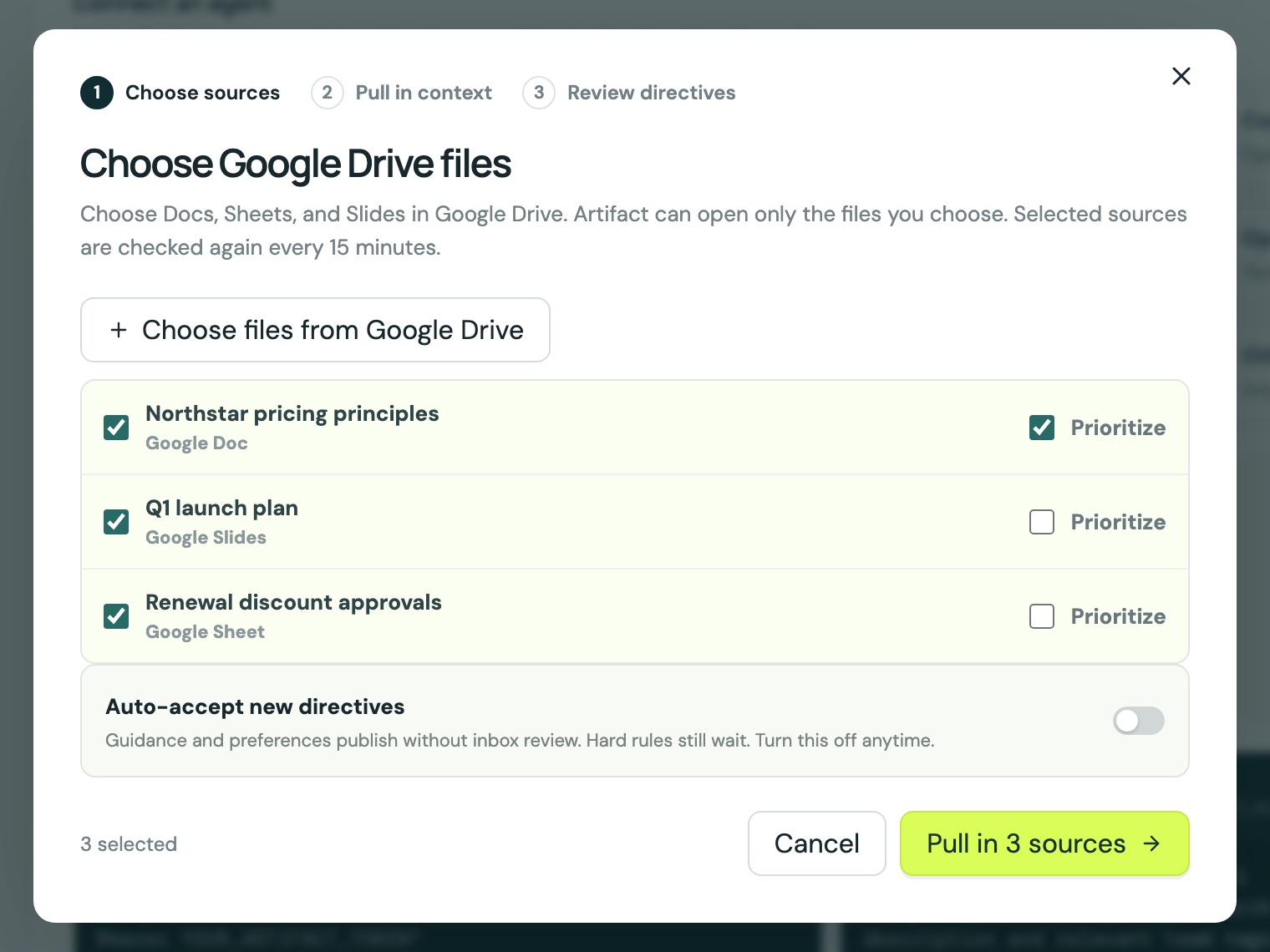
Google Drive connection continues to file selection
After Google authorization, Artifact now reliably finishes the connection and opens the source-selection step.
How to use it
- 1
Open Integrations, select Connect Google Drive, and finish authorization with Google.
- 2
When Artifact returns to Integrations, select Choose files from Google Drive and pick the Docs, Sheets, or Slides to pull in.