Back to changelog
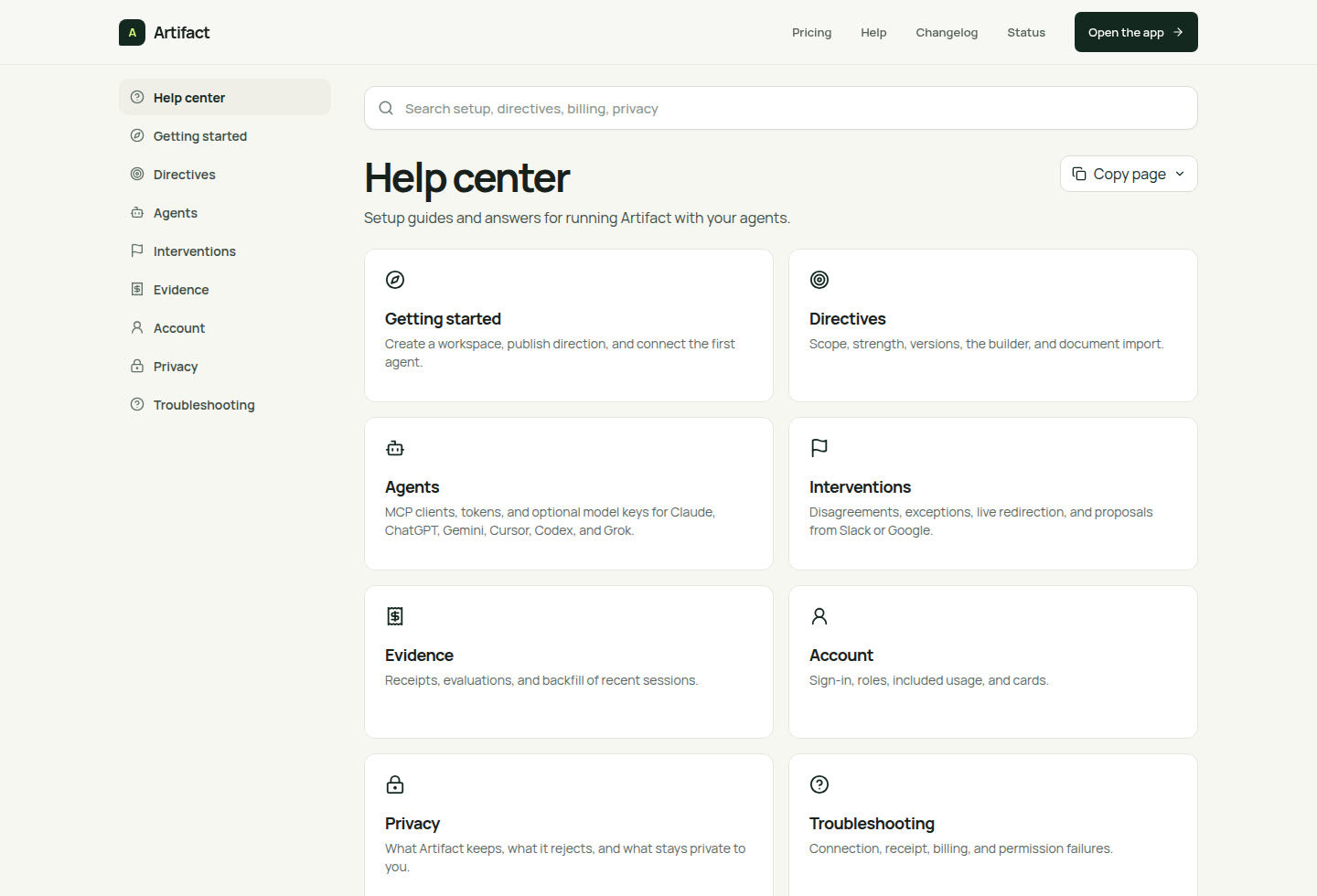
Help center on the site and in the app
A public help center now explains setup, directives, agents, billing, and privacy, and the same articles open from inside the app.
How to use it
- 1
Open Help in the site header, or choose Help in the app sidebar.
- 2
Search for the task you are finishing, such as connecting Cursor or adding a billing card, and open the article.
- 3
Use Copy page to copy the article link or the article text.