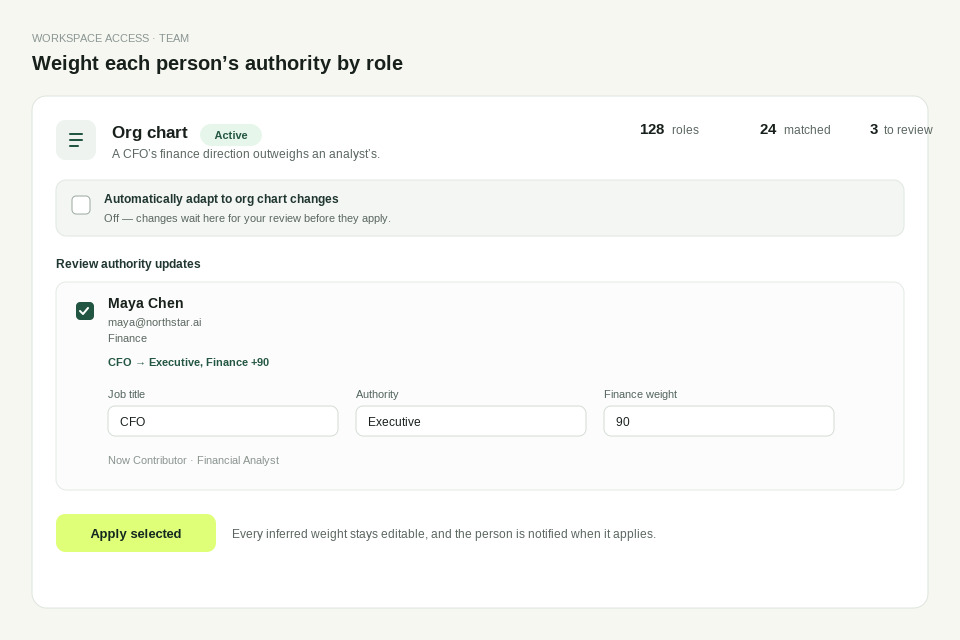
Hierarchical human + AI agent org chart, in-place Rippling connect, and select spacing
The Team org chart now builds a multi-level human reporting hierarchy with AI agent satellites from CSVs, lets admins connect Rippling directly on the chart, and fixes tight dropdown arrow spacing in Settings.
How to use it
1
Open Team → Org chart, switch to Upload CSV, and upload a people or mixed Human + AI Agent CSV with manager_id and owner_id columns.
2
Click any person or AI agent satellite on the chart to inspect direct reports, day-to-day manager, and accountable owner.
3
Switch to the Rippling tab to connect a read-only token directly in place, or open Settings → Steering to see the updated response-model dropdown spacing.