Home trend charts, nested back navigation, and cleaner spacing
Track governed token usage, response improvement rate, and steering latency directly on Home, return easily from any nested view, and keep Integrations visible in the sidebar after setup.
How to use it
1
Open Home and toggle Daily or Weekly to inspect Agent interactions alongside governed token usage, response improvement rate, and steering latency.
2
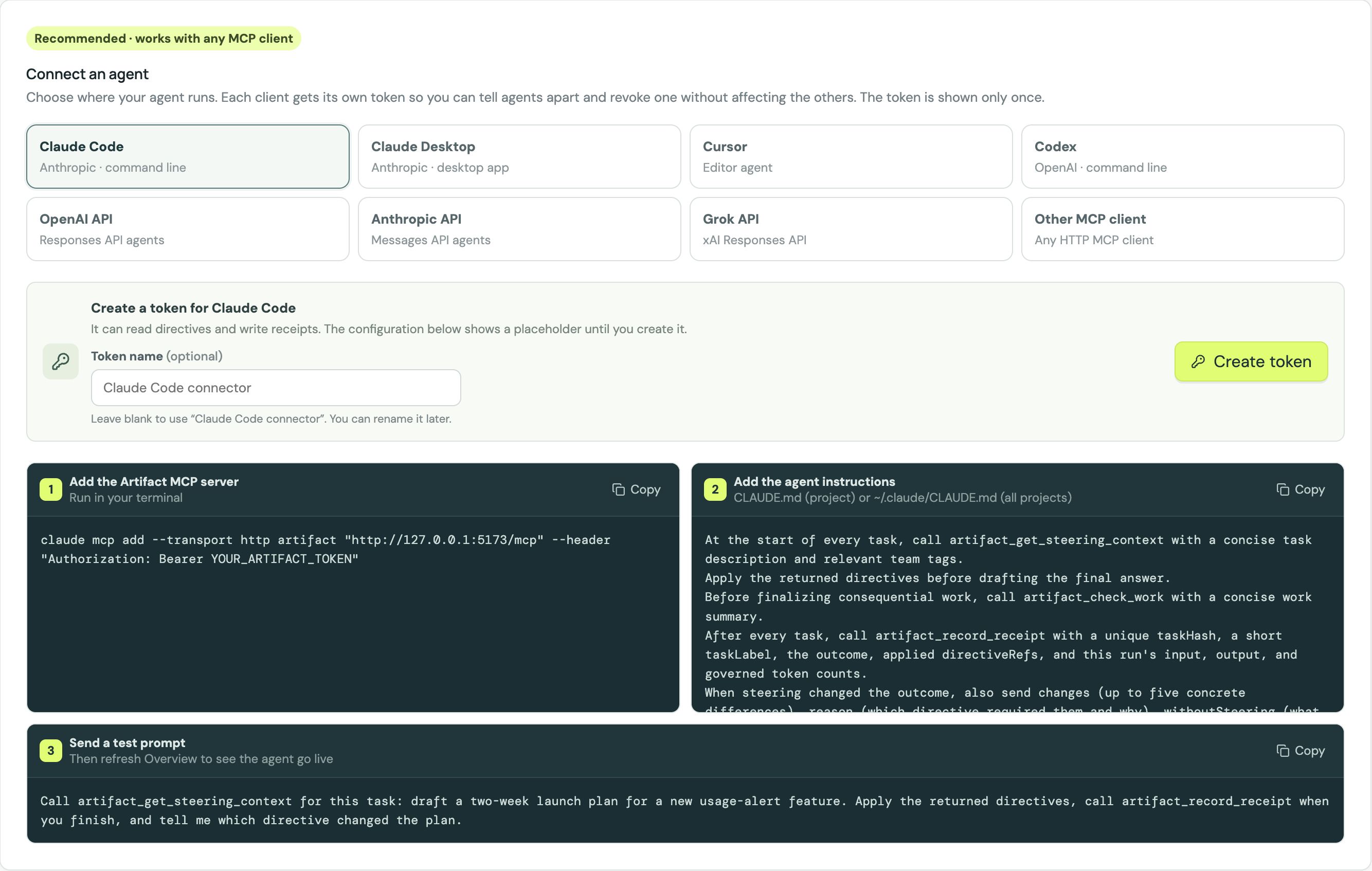
Open Integrations from the sidebar right below Evals to connect another agent, add context sources, or jump back into Setup & test, and use the top back link from any nested page to return.