Back to changelog
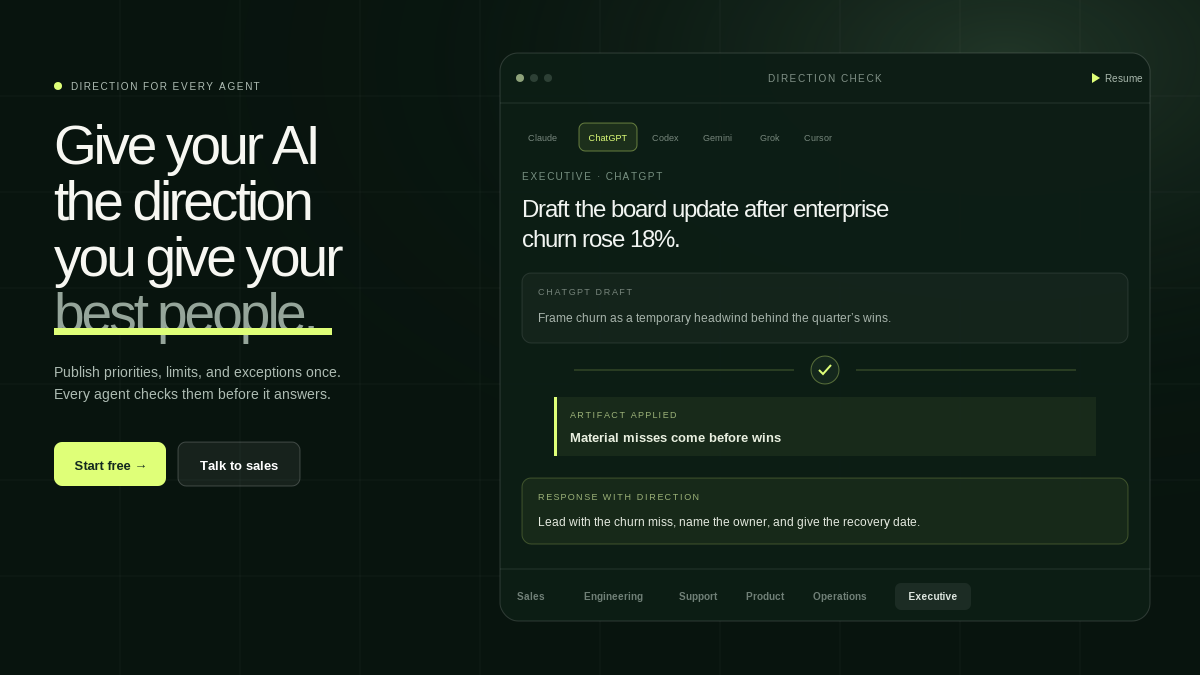
Homepage direction check can pause
Visitors can pause the rotating homepage example and inspect a new Executive scenario at their own pace.
How to use it
- 1
Open the homepage and choose Pause in the upper-right corner of the direction check.
- 2
Choose Executive to compare the original board-update draft with the response shaped by company direction, then choose Resume when ready.