Back to changelog
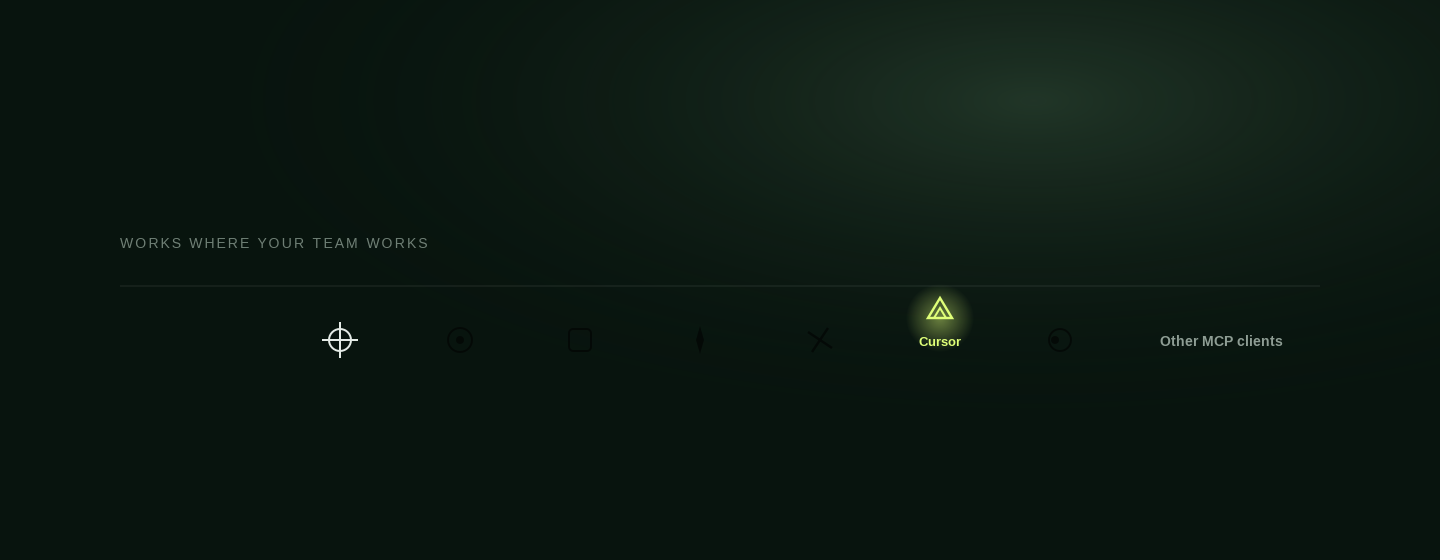
Homepage logos name the agent on hover
Hovering an agent logo on the homepage now lifts the mark, names the service, and opens that setup guide.
How to use it
- 1
Open https://artifactcomputing.com/ and scroll to Works where your team works under the hero.
- 2
Hover or focus a logo to see the service name, then click it to open that agent's setup guide.