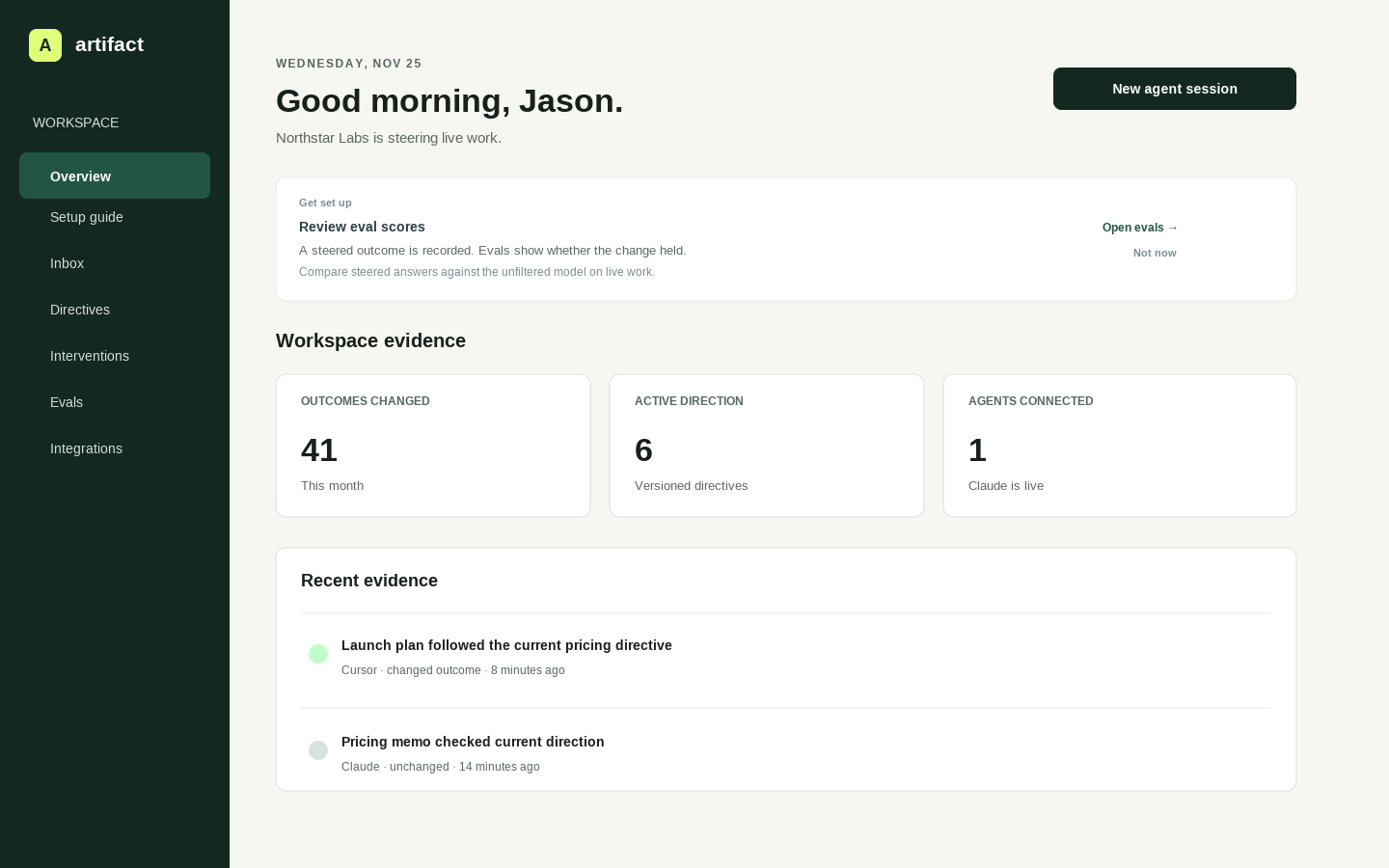
Overview now promotes one next-best action for the signed-in person, from first directive through evals, teammates, sources, sharing, and a paid listing, with the same step IDs as first-week emails.
How to use it
1
Sign in and open Overview. Read the next-step card, then use the CTA to open that feature.
2
Finish or dismiss an optional step with Not now. The next ranked action appears on the next visit.