Back to changelog
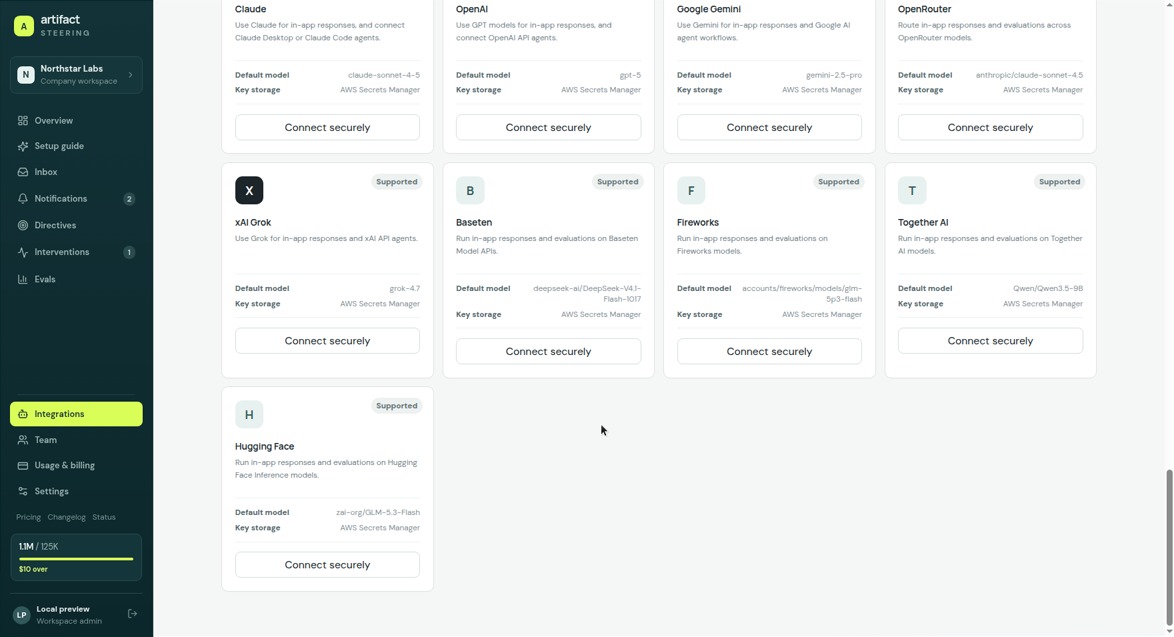
Hugging Face connection
Teams can connect Hugging Face so Hub models served through Inference Providers can be used for in-app responses and steering evaluations.
How to use it
- 1
Open Integrations and select Connect securely on Hugging Face.
- 2
Paste a Hugging Face token, review the default model or choose a Hub model ID, then select Validate and save.