Back to changelog
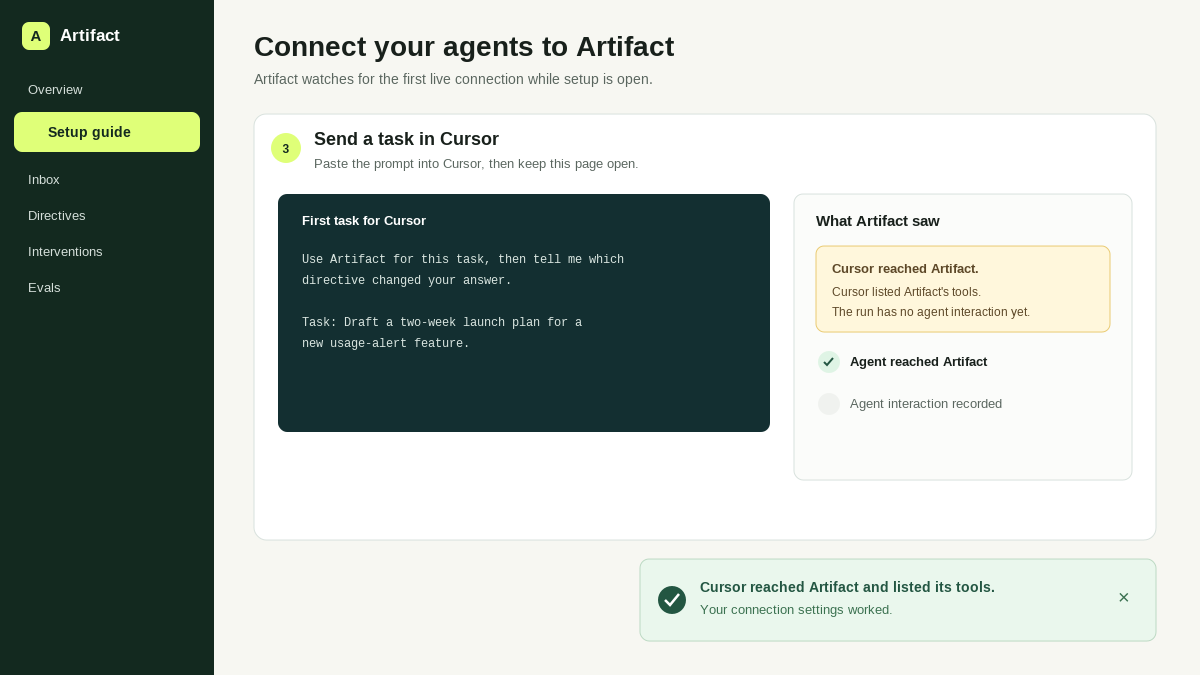
Immediate confirmation when an agent connects
Setup now shows a browser toast as soon as a newly configured agent reaches Artifact.
How to use it
- 1
Keep Setup guide open, finish the connection steps in your agent, and send the first task.
- 2
Look for the confirmation toast when the agent first reaches Artifact, then continue until the agent interaction is recorded.