Back to changelog
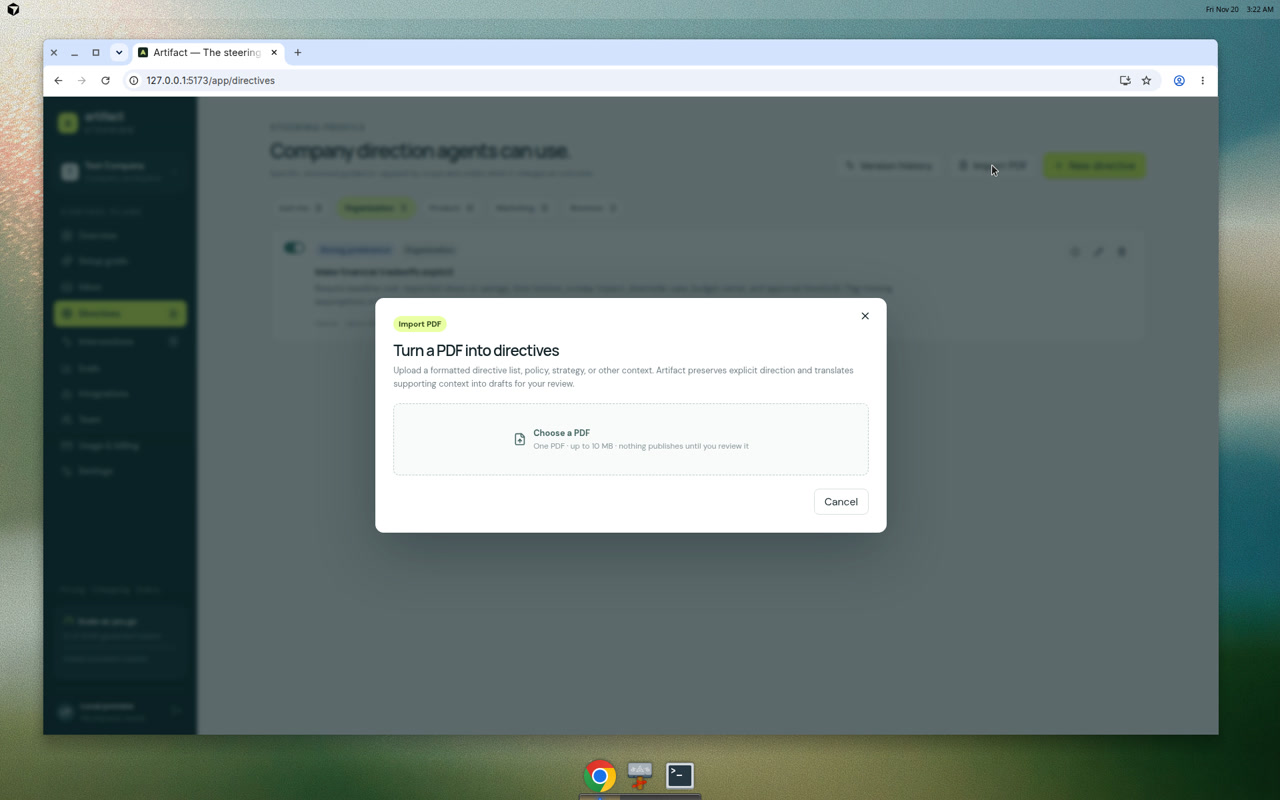
Import directives from a PDF
Directives can now be drafted from an uploaded PDF, whether it contains a formatted directive list or broader policy, strategy, and decision context.
How to use it
- 1
Open Directives and select Import PDF.
- 2
Choose a formatted directive list, policy, strategy, or other decision-context PDF up to 10 MB.
- 3
Review and edit the extracted drafts, clear any you do not want, then select Import directives.