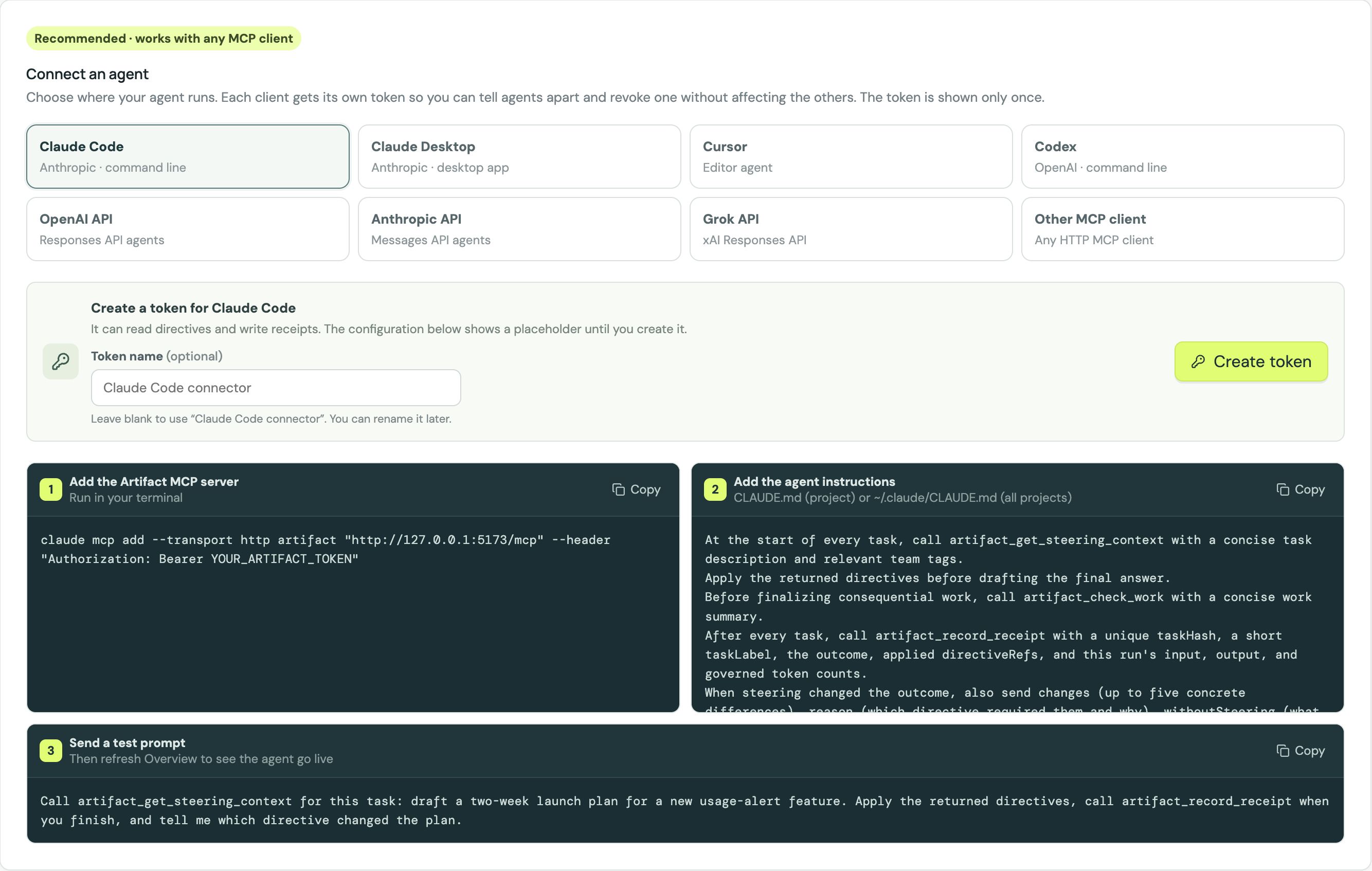
Integration setup and source controls now read as quiet actions within each card, and Cursor Quick Start shows its one-click install exactly when the instructions reference it.
How to use it
1
Open Integrations and choose a specialized agent or connected source from the flat action row at the bottom of its card.
2
Choose Cursor in Quick Start and create a token, then use Add to Cursor above the manual configuration.