Back to changelog
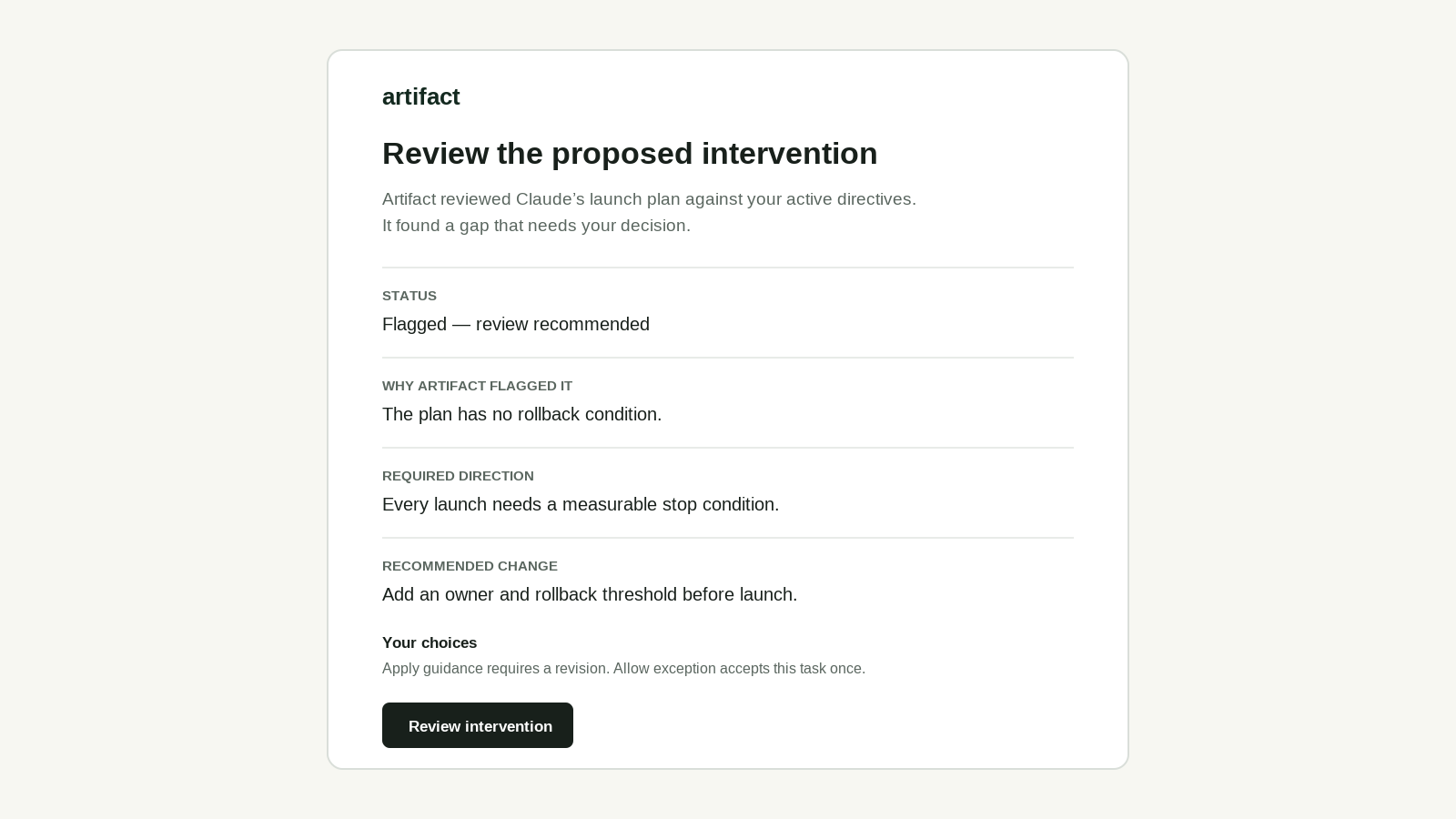
Intervention emails explain the decision
Intervention emails now explain the gap Artifact found, the active direction behind it, the recommended change, and what each review choice does.
How to use it
- 1
Open an intervention email and compare Why Artifact flagged it with Required direction.
- 2
Review the Recommended change, then select Review intervention.
- 3
Apply Artifact guidance to require a revision, or allow an exception for that task while keeping the directive active.