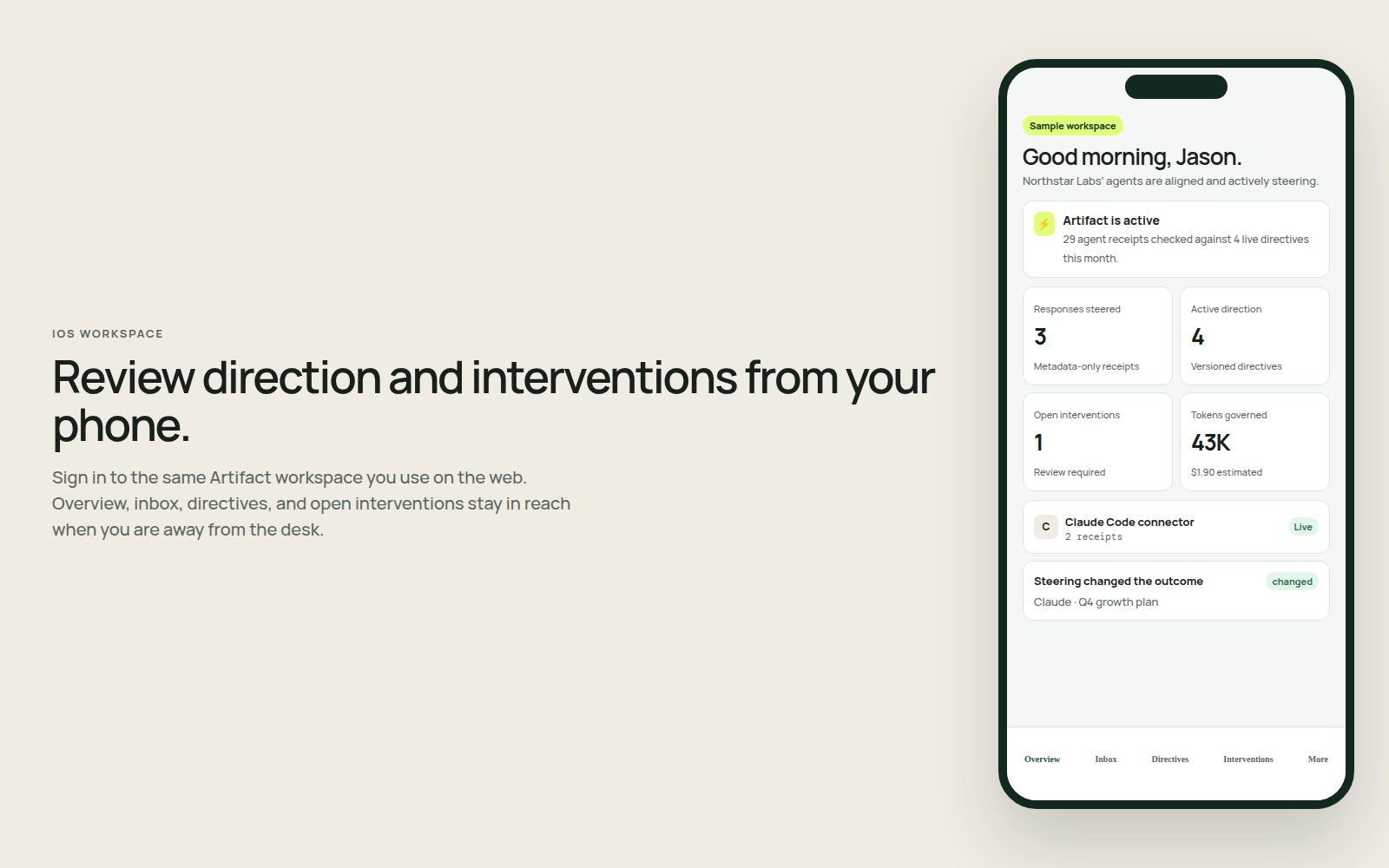
A native iPhone and iPad app signs in to the same Artifact workspace you use on the web, so you can review direction, inbox items, and open interventions away from the desk.
How to use it
1
Open the Artifact iOS app and sign in with your workspace email, or choose Explore a sample workspace.
2
On Overview, check live directives and open interventions, then open an intervention to apply Artifact guidance or allow an exception.
3
Use Inbox to accept or dismiss inferred direction, and More → Integrations to copy an MCP token into Claude, Cursor, Codex, or Grok.