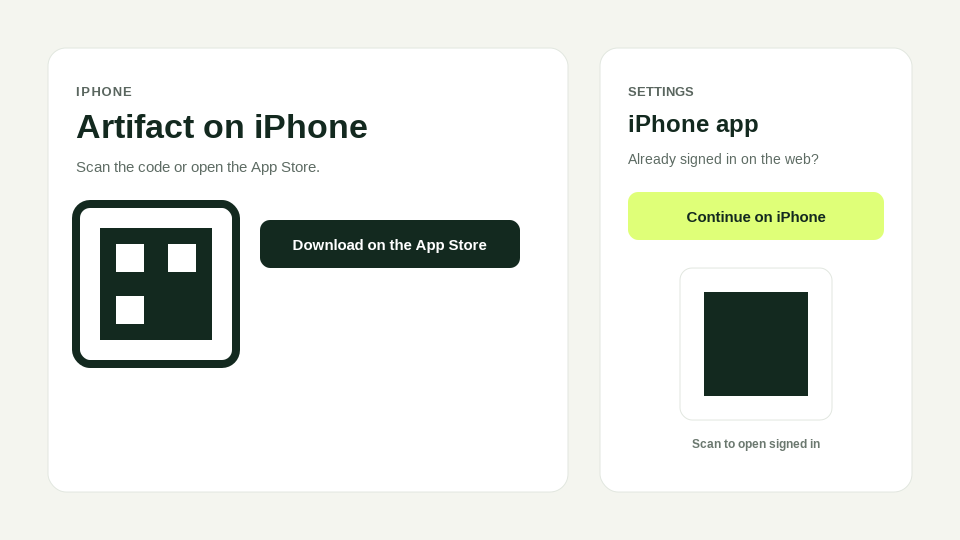
iPhone app download, QR codes, and signed-in handoff
The live App Store listing is linked from the web app, a public /ios download page with a scannable QR code, Settings Continue on iPhone, and lifecycle emails.
How to use it
1
Open /ios or the footer iPhone app link and scan the QR code with an iPhone Camera to reach the App Store listing
2
While signed in on the web, open Settings → iPhone app, choose Continue on iPhone, and scan the code to open the app signed in