Back to changelog
Larger sign-in fields
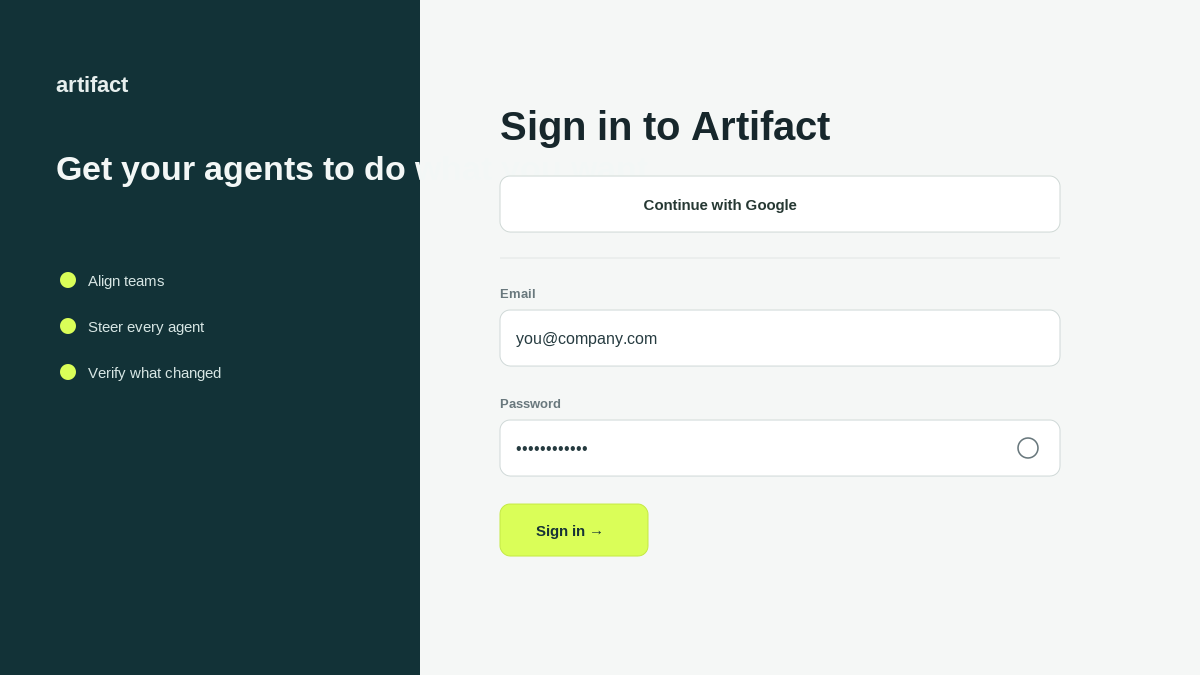
Email, password, and verification fields on sign-in and sign-up are taller and easier to type into, with Google and Sign in matched to the same scale.
How to use it
- 1
Open Sign in and tap the Email or Password field — the target is taller and the text is larger.
- 2
Type your credentials; the password show/hide control stays easy to hit inside the taller field.
- 3
Use Continue with Google or Sign in — both match the same larger control size.