Members can connect the workspace Slack and Google sources
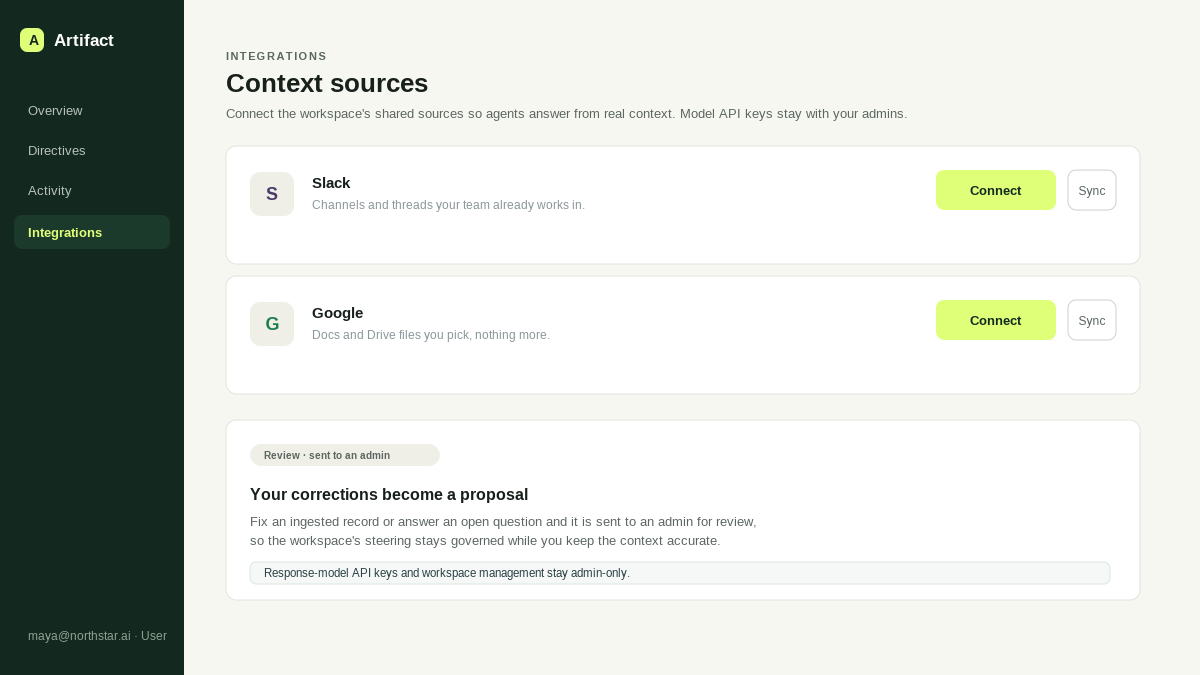
A non-admin member can now connect and sync the workspace shared context sources — Slack and Google — from Integrations, while response-model API keys and workspace management stay admin-only.
How to use it
1
As a member, open Integrations and find Context sources.
2
Choose Connect on Slack or Google, complete the authorization, then run Sync to ingest.
3
Review an ingested record or answer an open question — your correction is sent to an admin as a proposal.